I’ve started to have a lot more fun testing AI detectors lately, because now that pretty much everyone promises an accuracy score of above “99%”, accuracy ratings have gotten a lot less interesting. Just about every tool (and most of the people I meet) will have zero issues spotting pure AI content these days, so what separates the best Winston AI alternatives is the stuff around that initial promise.
I’ve always found low “false positive” scores important, but now I’m starting to look at things like whether a system can see if AI copy’s been paraphrased or rewritten, how many different types of content it can review, or whether it offers bonus features like AI assistance detection, guideline checks, or source detection.
I will say, even looking at those things, Winston AI is still a great tool, but there are a few other options that work better for certain teams.
The Best Winston AI Alternatives at a Glance
Of course, I still gave accuracy scores some consideration here, since people do care about them, and frankly, accuracy is one of Winston’s main selling points. I just wanted to make sure I was giving equal, if not more attention to things like false positive rates, how tools handled mixed and humanized writing, or how easy these platforms were to use.
I ended up with six products I’d recommend for different types of work.
| Alternative | Recommended For | Starting price | Biggest Benefit |
|---|---|---|---|
| Pangram | Everyone who needs trustworthy scores | Free for 2,000 words a day. Paid plans start at $20 per month | Lowest false positive rate, great at detecting hybrid or paraphrased text |
| Originality.ai | Publishing teams or agencies | Starting at $14.95 per month | Great site-wide detection for both AI and plagiarism, and Writer Replay tools |
| Copyleaks | Multilingual checking for AI and plagiarism | Starting at $16.99 per month | Over 30 AI detection languages and 100 plagiarism languages |
| Turnitin | Educational groups | Custom | Part of a full system for student submissions |
| GPTZero | Anyone who wants a generous free allowance | Free for 10,000 words a month | Big free plan and Writer Replay tools |
| Sapling | Developers | Free option, with paid plans starting at $25 a month | Easy integration options and enterprise controls |
Pangram: Best Winston AI Alternative Overall
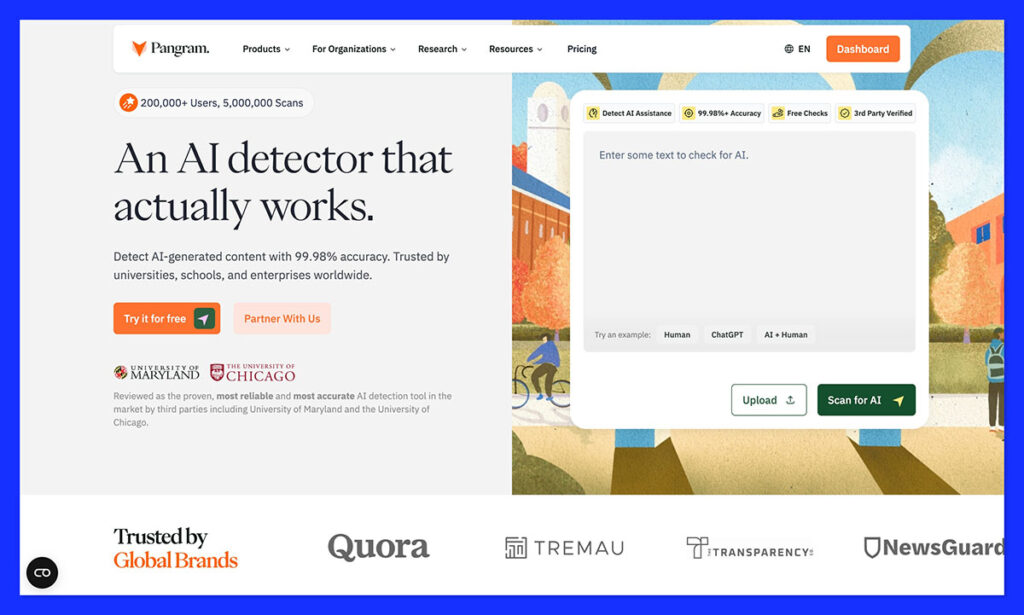
Starting Price: Free for 2,000 per day, or paid plans start at $20 per month.
Pangram is pretty much always the first AI detector I recommend for checks where a false positive or a false negative could be equally detrimental. Its accuracy scores are fantastic, and backed by independent testers like Chicago Booth and the University of Maryland.
Analysts have also tested Pangram on hybrid and humanized text, and the tool still got a 95% accuracy score, which was miles ahead of a lot of other tools. Probably most importantly, Pangram’s false positive rate is the closest to zero of any tool I’ve seen.
Now in its latest version (Pangram 4), this tool works brilliantly with Learning Management Systems, and it has its own API, a Chrome Extension, and Google Docs support. You also get AI image detection features too, although they’re still in the research phase.
Pangram still has occasional issues with very standardized writing, and I don’t think the free plan will get most users very far, but it’s honestly the number one tool I’d recommend paying for, if you really care about getting results you can trust.
Pros:
- Independently verified accuracy scores and low false positive rates
- Does better at spotting humanized text than most alternatives
- Works with images and written content (in over 20 languages)
- Gives you exact classifications for AI-assisted, AI-written and human text
- LMS integrations, plus Google Chrome and API access
Cons:
- Can be pricey for bulk scanning, and the free plan is pretty limited
- Can struggle with short text or standardized writing
Originality.ai: Best for Publishing or Content Teams
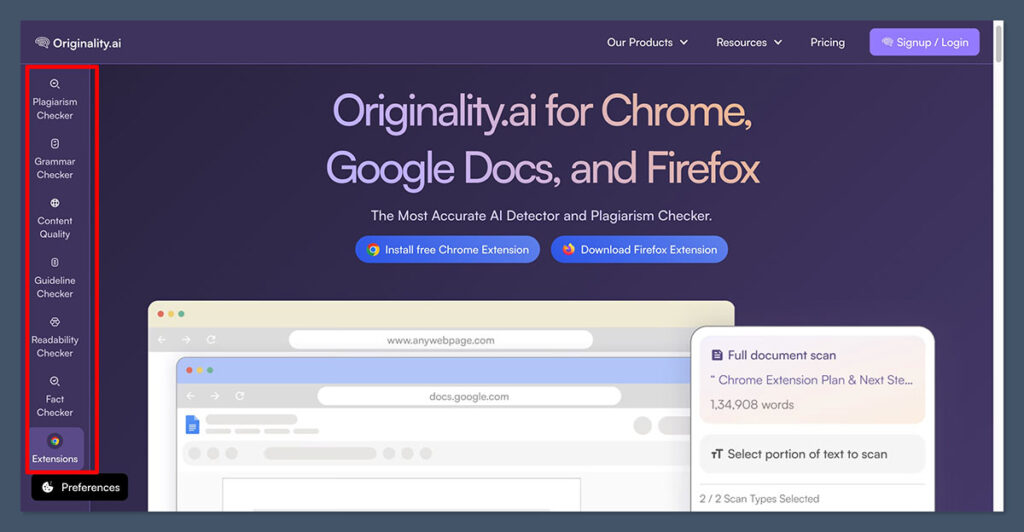
Starting Price: $14.95 per month or $12.95 per month paid annually.
I’ve worked with a lot of publishing teams that use Originality.ai, and I do think it’s one of the more convenient options for teams working on content strategies together. The all-in-one dashboard lets you upload large amounts of text at once, or just paste in a link to check a whole web page for AI, plagiarism, fact problems, or readability issues.
You also get reports you can download and share with your team members, plus an interesting list of extra features this year. For instance, now teams can set their own “AI allowance” limits based on how much AI influence they’re willing to accept in content. There’s a guideline checker that can scan your content and compare it to the rules in a specific document, plus a content quality scoring system.
Everyday writers can also use the AI writing tutor to get insights into how they can improve their content as they’re producing new pieces.
Like Pangram, Originality.ai does very well at catching obvious AI slop, and it’s better than it used to be at seeing when AI content’s been rewritten. The biggest problem is the false positive rate is still a lot higher than it should be, particularly for niche or formal text.
Pros:
- Checks for AI, readability, inaccuracies and plagiarism at the same time
- Bulk scanning and URL scanning for bigger jobs
- Team management and collaboration tools included
- Extra controls like the AI allowance feature or guideline checker
- Includes a Writer Replay tool for checking writing evidence
Cons:
- Quite a high false positive score
- Can be expensive to run a lot of deep checks
- Doesn’t distinguish well between AI-written and AI-assisted text
Copyleaks: Best for Multilingual and Enterprise Detection
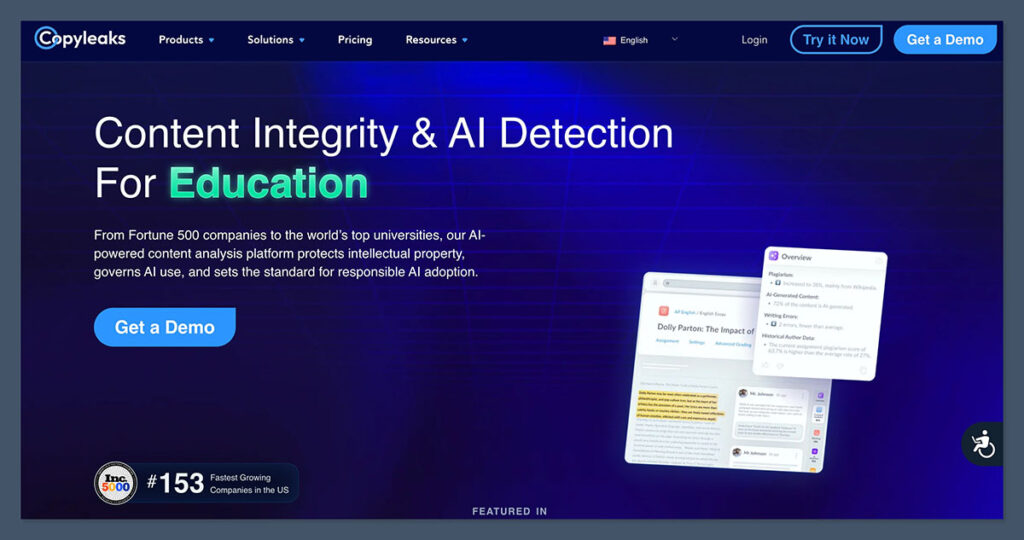
Starting Price: $16.99 per month, or $13.99 per month when you pay annually.
I like Copyleaks as a dual-purpose platform for finding plagiarism and AI issues in content that might not be written in English. It supports more than 30 languages for AI detection, and more than one hundred if you’re looking for plagiarism. Plus, you get insights into both in the same report.
Copyleaks also gives you LMS integrations, and a Chrome extension, as well as a brilliant API with custom enterprise security options for teams. There are some great newer features here too, like the citation checker, and AI source match tool that can help you dive a bit further with your reports. There’s also a new Text Moderation feature that can evaluate language using specific filters, and it even accounts for cultural and regional nuances in content.
The API gives enterprises with development teams more room too. The synchronous AI detection endpoint can accept up to 100,000 characters in each request. There’s also an image detection API available for visual content.
Unfortunately, Copyleaks struggles more than most with paraphrased or edited text, and it has a bad reputation for false positives on formal writing. It also doesn’t really give you much of a breakdown into why something seems “AI-influenced”.
Pros:
- Great language coverage for AI and plagiarism detection
- LMS integrations, Chrome extension, and API support
- Checks for both AI and plagiarism at the same time
- Works with visuals as well as text
- Helpful text moderation, citation checking, and source matching tools
Cons:
- Easily bypassed by paraphrased AI content
- Higher false positive risk than most with formal language
- Not much insight available in reports beyond a percentage score
Turnitin: Best for Academic Institutions Already Using It
Starting price: Quote-based.
The great thing about Turnitin is it has such a clear target audience. Most people aren’t going to be using this for everyday insights, it’s more intended to fit into the standard processes educators go through when they’re checking student submissions for issues.
If you’re already using Turnitin to let students submit essays or assignments, then the tool can automatically check for plagiarism and AI at the same time, generating detailed reports that can even help you improve a student’s skills. The Clarity tools also let educators create and customize built-in AI chat helpers for students working on writing tasks, so they can still use AI for things like brainstorming or proofreading.
Plus, Turnitin includes process tracking and writing analytics for evidence, as well as advanced integrity flags. It also integrates with most learning management systems, and it can handle about 20 languages as of 2026, bringing it head-to-head with a lot of other competing multilingual tools.
Still, this tool is more expensive than a lot of Winston AI competitors, and false positives are still a serious problem, even when you’re just checking for plagiarism. Sometimes Turnitin can flag “similar” writing as plagiarized, which could lead to false accusations.
Pros:
- Already a part of the assignment checking process for a lot of institutions
- Useful AI-level controls and writing process reports
- Works with most learning management systems
- Very good at generating in-depth reports for educators
- Included citation and grammar assistants for students
Cons:
- High false positive rates, even with plagiarism checks
- Not as accessible as other Winston AI alternatives
- Can be quite expensive
GPTZero: Best for Educators and Free AI Detection
Starting Price: Free for 10,000 words per month, with paid plans starting at $14.99 per month.
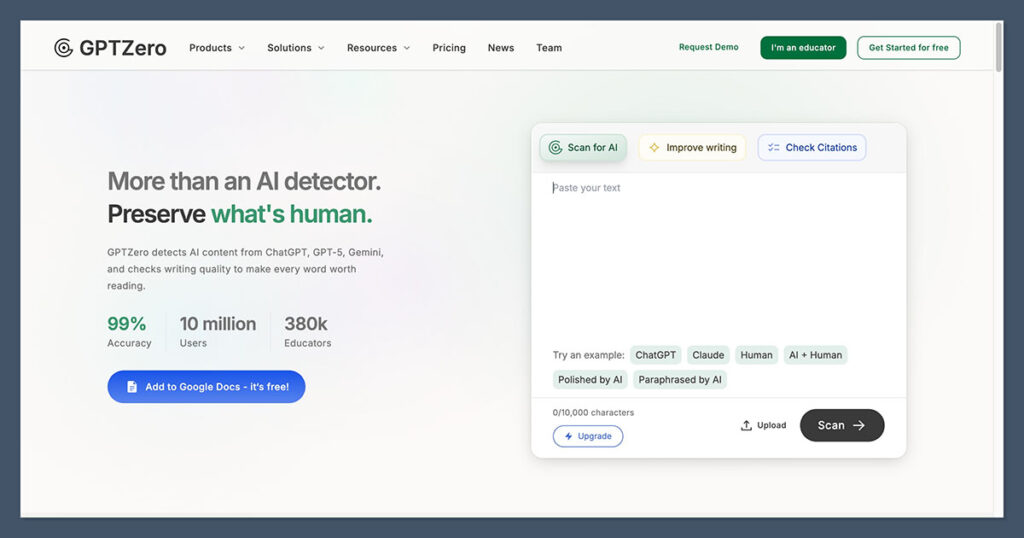
I like GPTZero as a quick second opinion tool for people who don’t have a huge budget. You can quickly check up to ten thousand words a month and get sentence-level insights into possible GPTisms.
GPTZero gives you useful extensions for Google Docs and Microsoft Word, plus a classroom mode to track a student’s writing process. It’s also getting a lot better at detecting the presence of AI in “mixed” or hybrid documents, although I think Pangram is a bit stronger on that front. People can still bypass GPTZero pretty easily with a little strategic editing.
I like that this tool has been adding more features to help writers out too, like hallucination detection capabilities, plagiarism checking, Writer Replay, as well as writing feedback reports with useful information on AI patterns. It still has the same common problems with false positives as most other tools here though, and it definitely has a harder time checking non-English languages.
Pros:
- Bigger free allowance than most competing tools
- Lots of writer-specific features like Writer Replay and hallucination detection
- AI patterns for deeper insights into what triggers certain scores
- Integrations with various useful tools like Google Docs
- Getting a lot better at detecting AI in mixed writing
Cons:
- High false positive scores, particularly in certain types of text
- Can easily by bypassed with some careful editing
- Not the best at analyzing non-English language
Sapling: Best Winston AI Alternative for Developers
Starting Price: Free plan with paid plans starting at $25 per month, or $12 per month annually.
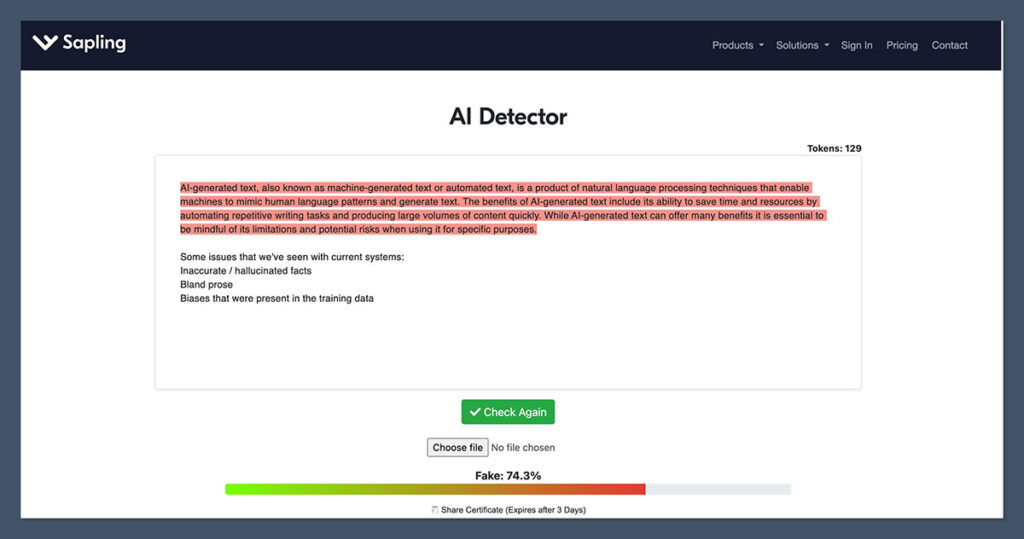
Sapling is the tool that will most appeal to developers who want to plug AI detection functionality into the tools they’re already using, rather than logging into another platform. It can connect to a lot of different tools, from CRM systems, to help desks, and it gives you comprehensive control over security and compliance features.
What’s great is this tool doesn’t exclusively check for AI issues, it can also catch more grammar, spelling, and syntax errors than many other tools. Plus, it gives teams dashboard analytics and suggestions to help them improve employee performance.
For teams with existing developers, the pricing is probably the most appealing part, starting at just $0.005 per 1000 characters for the first ten million characters each month. There’s also an MCP server that makes it easier to add the tool to your AI-first workflows.
Still, the accuracy rate of this tool is pretty variable, and it really only works with English language, so it’s not great for global teams. It’s also worth saying that it doesn’t offer advanced audit trails, downloadable reports, or helpful writing features for things like tone detection or plagiarism.
Pros:
- Very affordable for teams using the API
- Team analytics, dashboards, and intuitive suggestions
- Easy to connect with any tool or workflow you’re already using
- Great for finding all kinds of writing errors fast
- MCP support will be particularly handy for developers
Cons:
- Only suitable for use with English-language text
- Not the best accuracy rate or false positive score
- Lacks plagiarism detection and other common features
Which Winston AI Alternative Is Best?
The tool you replace Winston AI with will ultimately depend on what bothered you most about your previous AI detector. If you need something that’s better for collaborative teams, Originality.ai is great, while Copyleaks is a great pick if you’re dealing with multilingual content.
Turnitin is an easy choice if you’re already using it for student submissions, while GPTZero gives you the most generous free plan, alongside genuinely helpful tools like Writer Replay. Sapling could be a good pick for developer-led teams who want to keep API costs low.
Ultimately, though, Pangram is still my number one choice. The free plan might be limited, but this is the tool I feel most confident paying for, because it gives me scores I can genuinely trust, makes it easy to distinguish between different levels of AI assistance, and doesn’t seem like it’s desperate to accuse everyone of producing AI slop straight off the bat.