About 68% of teachers now use AI detection software. That sounds like progress until you see the accuracy numbers: independent 2026 testing shows no detector exceeds 80% overall accuracy, regardless of what vendors claim.
GPTZero remains the most popular free option, serving 380,000+ educators across 3,500 colleges. But it drops to roughly 18% detection on humanized content, and peer-reviewed research found it wrongly flags 1 in 10 human-written texts for some text types. If you are making academic integrity decisions on those numbers, you are gambling with students’ futures.
The best GPTZero alternatives depend on what matters most in your classroom. I evaluated each tool across five criteria: false positive rate, LMS integration, multilingual support, pricing and free tier availability, and FERPA compliance. Here is where they all stand at a glance.
Quick Verdict
- Pangram – Best overall for avoiding false positives (99.8% accuracy, multi-level AI detection)
- Copyleaks – Best for multilingual classrooms (30+ languages, 7 LMS integrations)
- Turnitin – Best for schools that already pay for it (seamless LMS, no extra cost)
- Winston AI – Best for scanning handwritten and printed papers (OCR built in)
- Originality AI – Best for research papers and fact-checking (triple-layer analysis)
- QuillBot – Best for understanding how students used AI (three-tier classification)
- Paperpal – Best free option for graduate-level academic writing
- ZeroGPT – Best for quick spot checks only (significant accuracy caveats)
| Tool | Best for | Starting price | LMS integrations | False positive rate | Languages |
|---|---|---|---|---|---|
| Pangram | Multi-level analysis, avoiding false positives | Free (4 credits/day); $20/mo | Google Classroom, Canvas | ~0.01% (1 in 10,000; Chicago Booth verified) | 20+ |
| Copyleaks | Multilingual classrooms | $7.99/mo | Canvas, Blackboard, Moodle, Brightspace, Schoology, Edsby, Sakai | ~0.2% | 30+ |
| Turnitin | Schools that already have it | ~$3/student/yr (institutional) | Canvas, Moodle, Blackboard, Google Classroom | Up to 18% (ESL) | English-focused |
| Winston AI | Scanning handwritten papers | $10/mo | None (web-based) | Not published | 7 |
| Originality AI | Research papers and fact-checking | $9.95/mo | Chrome, WordPress, Moodle | <1% (claimed) | English-focused |
| QuillBot | Understanding how students used AI | From ~$9.95/mo (tiered) | None | Not published | English-focused |
| Paperpal | Graduate-level academic writing | Free (5 scans/mo) | None | Not published (academic-tuned) | English-focused |
| ZeroGPT | Quick spot checks (with caveats) | Free | None | 15-25% | English-focused |
Key Takeaways
- No AI detector exceeds 80% overall accuracy in independent 2026 testing. Never use any tool as sole evidence for academic misconduct.
- Copyleaks is the clear leader for multilingual classrooms with 30+ language support and 7 LMS integrations.
- If your school already pays for Turnitin, use it as a starting point but always cross-reference with a second tool for ESL students.
- GPTZero remains the best free baseline, but its peer-reviewed false positive rate (~1 in 10 for some text types) demands caution.
Here are the 8 best GPTZero alternatives for educators, ranked by what matters most in your classroom.
1. Pangram: Best for Multi-level Analysis and Avoiding False Positives
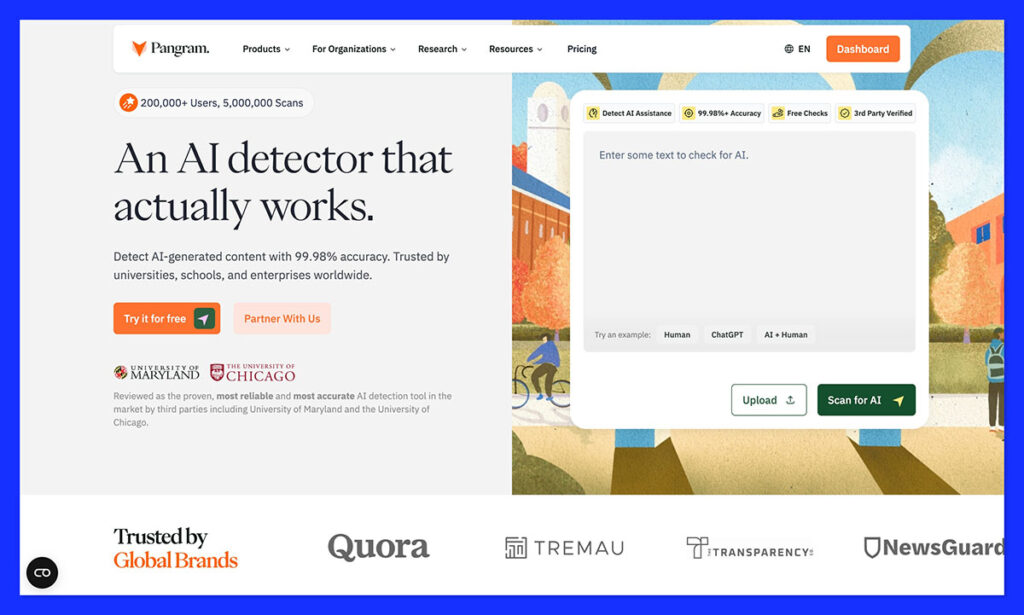
Personally, I’m not sure whether some educators are taking false positives as seriously as they should when using AI detectors. Obviously, as a teacher, you want a clear insight into how much a student might be relying on LLMs. An essay produced by ChatGPT shouldn’t get an “A”, and a student depending too much on AI assistance might be hiding the fact that they need extra help.
But if you falsely accuse, or even punish a student for using AI when they didn’t, that can affect their whole relationship with education, not to mention their future prospects.
That’s why Pangram is my number one pick here. It’s built around caution. Chicago Booth researchers found that Pangram achieved an average 99.8% accuracy in their testing, while maintaining a false positive rate lower than any of the other commercial tools they tried.
That doesn’t mean Pangram overlooks evidence of AI, though. It goes beyond the basic “likelihood percentage” score. One of its real differentiators is AI Assistance Detection: it can tell whether a piece was fully machine written, partially GPT-generated, or whether a student just got some help from AI. That distinction matters in classrooms where a bit of AI use is allowed but full generation isn’t. It also works in more than 20 languages, great for international students.
Clearly, this tool was also built for classrooms, too. I’m not just talking about the LMS integrations here for things like Google Classroom or Canvas (though those are helpful). You’ve got API access, plus a Chrome extension, which can help you scan content on any website page. You can also use it in Google Docs, to check back over versions of a document and see how a student came up with the final result they submitted.
I also like that you get plagiarism detection on paid plans, so teachers don’t need separate tools, and the file support covers everything from PDFs, to RTF, DOCX, and even OCR scanning.
Pricing starts with a free plan for 4 credits per day (about 1000 words per credit), which is great for a test, but you do run out of credits pretty quick. The individual plan costs $20 per month for 600 credits, and the Professional plan costs $65 per month for up to 3000 scans per month.
Strengths
- Lower false positive score than just about any other tool
- Useful integrations, API access, and Google Chrome Extension
- Detects AI assistance and fully machine written text
- Better at catching humanized and rewritten AI text than most alternatives
- Plagiarism detection included on paid plans
- Multiple files supported, as well as 20+ languages
Weaknesses
- Paid plans can be expensive (and the free plan is limited)
- May struggle with very short chunks of text
- Still needs some human judgement
Pangram is the first GPTZero alternative I’d recommend using for almost anyone, particularly educators. If you want accurate insights you can defend, and you don’t want to accuse everyone of being GPT-dependent, this is the right tool. It’s also a lot better at catching AI-assisted or rewritten text than most of the tools I’ve tried.
2. Copyleaks: Best for Multilingual and Diverse Classrooms
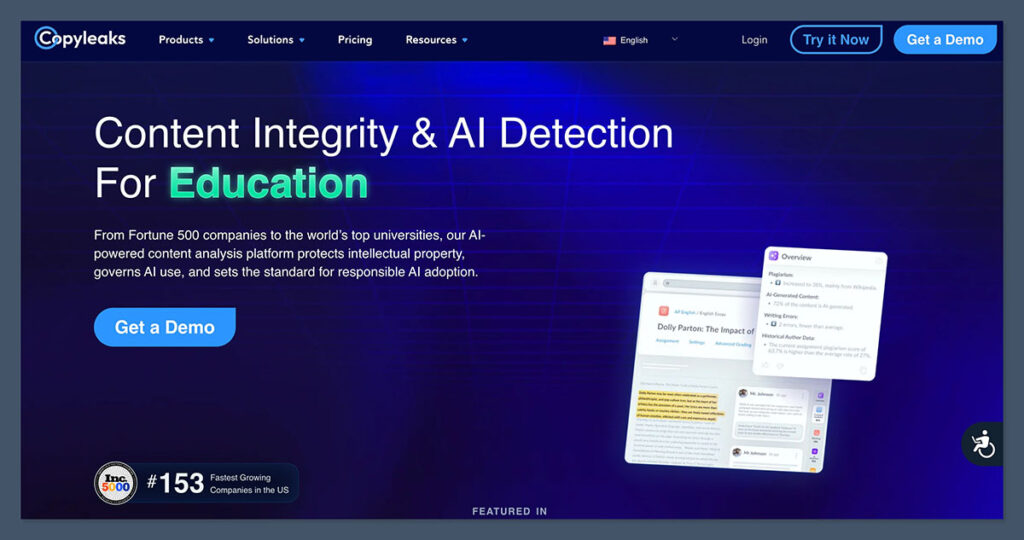
A Stanford HAI study found that AI detectors misclassified 61% of essays written by non-native English speakers as AI-generated. Updated 2025 data showed false positive rates reaching 28% for non-native writers. If your classroom includes international students, ESL learners, or multilingual writers, those numbers should alarm you.
Copyleaks addresses this head-on. Its AI detector achieved 99.84% accuracy on non-native English texts with less than 1% false positive rate in third-party testing. It supports AI detection in 30+ languages and plagiarism detection in 100+ languages. No other tool comes close to that breadth.
For schools serving international student populations, this is a critical differentiator.
The LMS integration is the broadest in the industry. Copyleaks connects to Canvas, Blackboard, Moodle, D2L Brightspace, Schoology, Edsby, and Sakai. That is seven platforms. AI detection is included in the LMS integration at no extra cost.
When students submit assignments through any of these platforms, Copyleaks automatically scans submissions. Teachers do not need to manually upload files or switch between tools. The detection engine uses a two-pronged approach: linguistic pattern analysis and matching against published AI-generated material.
Real institutions are betting on Copyleaks. In January 2025, Southern Methodist University replaced Turnitin with Copyleaks, citing superior AI detection and seamless Canvas integration. When a major university drops the industry default for your product, that is meaningful social proof.
Pricing starts at $7.99/month for 1,200 credits (AI detection only), or $13.99/month for the combined AI plus plagiarism package. For schools already committed to an LMS ecosystem, the bundled AI detection at no extra add-on cost tilts the value calculation further in Copyleaks’ favor. Individual teachers can subscribe directly, unlike Turnitin’s institutional-only model.
Strengths
- 30+ languages for AI detection (unmatched)
- 7 LMS integrations with automatic scanning
- 99.84% accuracy on non-native English texts
- SMU replaced Turnitin with Copyleaks
- AI detection included in LMS integration at no extra add-on cost
Weaknesses
- Accuracy drops to roughly 50% on paraphrased or humanized text
- Trustpilot rating sits at 2.6/5 with user complaints about false positives
- Combined AI plus plagiarism plan costs $13.99/month
Copyleaks is the strongest choice for schools serving multilingual student populations. Its LMS coverage is unmatched, and the SMU switch from Turnitin signals growing institutional confidence. Just be aware that humanized content still slips through.
3. Turnitin: Best for Schools That Already Have It
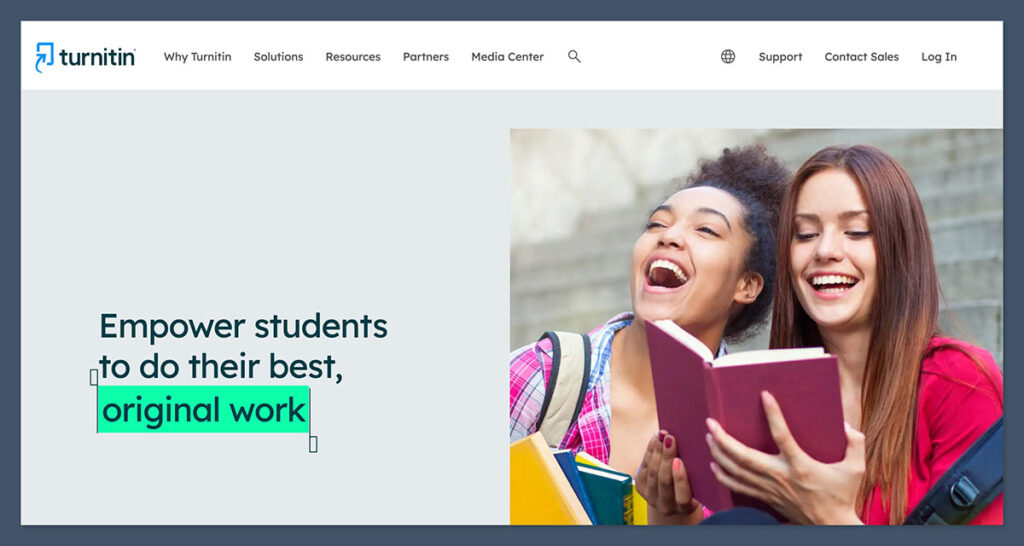
Turnitin is the most widely used AI detector in higher education. It is also the tool that Vanderbilt University disabled in August 2023, citing “unreliability and potential for harm to students.” Vanderbilt’s guidance was blunt: “Do not use AI detection tools as evidence of academic misconduct.” So is the institutional standard actually fit for purpose?
If your school already pays for Turnitin, the AI detection add-on costs you nothing extra. Native integrations with Canvas, Moodle, Blackboard, and Google Classroom mean the submission workflow is seamless. Students submit their papers the way they always have, and AI scores appear automatically. For institutions already in the ecosystem, the convenience is hard to beat.
But the ESL problem is real. Turnitin’s false positive rate reaches up to 18% for non-native English speakers. In early 2025, a U.S. university saw dozens of international students accused of AI cheating based on Turnitin flags that were later proven false positives caused by machine learning biases in handling accented English.
Turnitin’s own website states: “Our AI writing detection may not always be accurate, so it should not be used as the sole basis for adverse actions against a student.” Since mid-2025, Turnitin has added detection for humanizer tools that rephrase LLM output to evade detectors.
The pricing reality eliminates most individual teachers from consideration. Turnitin operates on institutional licensing only, running $5,000 to $20,000 per year. Individual teachers cannot subscribe. If your school does not have it, Turnitin is not an option for you.
Strengths
- Already paid for at most universities (AI detection at no extra cost)
- Native, seamless LMS integration
- ~94% accuracy on pure AI content
- Added humanizer detection since mid-2025
Weaknesses
- Up to 18% false positive rate for ESL students
- Institutional only (no individual teacher access)
- $5,000-$20,000/year pricing
- Accuracy drops to ~30% on heavily paraphrased text
- High-profile false positive lawsuits
How does Turnitin compare to the tool replacing it at some schools? Turnitin has deeper institutional roots, but Copyleaks offers better multilingual accuracy, broader LMS coverage, and is available to individual teachers. If your school already pays for Turnitin, use it as a starting point. Always cross-reference flagged papers with a second tool, especially for non-native English speakers.
4. Winston AI: Best for Scanning Handwritten and Physical Papers
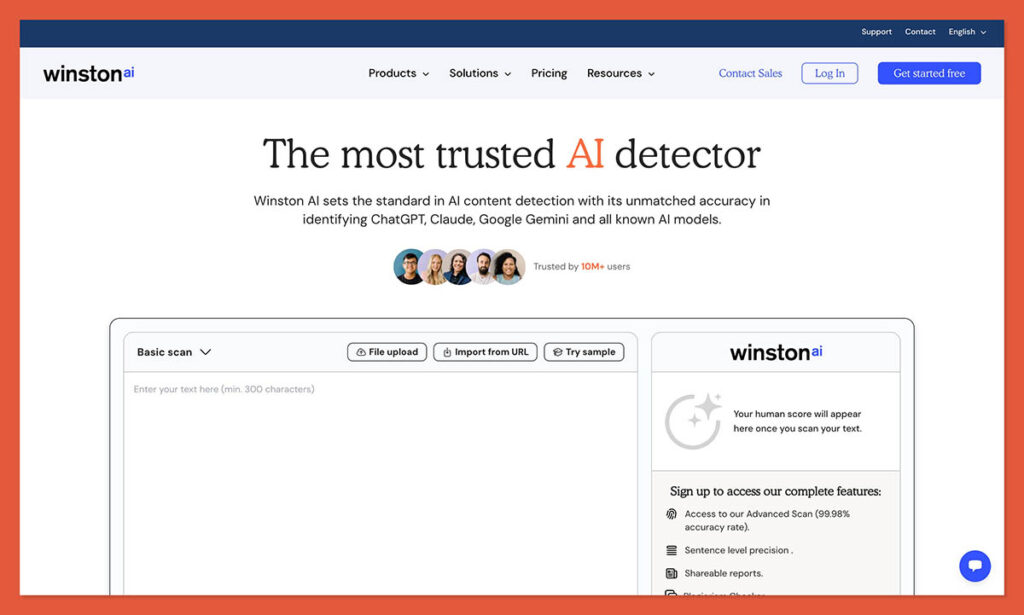
You teach a class where students submit handwritten essays or printed papers. Maybe it is an in-person exam. Maybe your school still collects physical work. You want to run those submissions through an AI detector, but every tool on the market requires copy-pasted digital text.
Every tool except Winston AI. It is the only major AI detector with OCR (optical character recognition) technology built in. Upload a photo of a handwritten page, a printed PDF, or an image file (.docx, .png, .jpg), and Winston converts the image to text before running AI detection. No other competitor in this list offers anything like it.
The interface is deliberately teacher-friendly. Upload your file, click scan, and get results. Winston also bundles a plagiarism checker and an AI image detector alongside the text detection. It claims 99.98% accuracy, though that figure has not been independently verified at the same rigor as peer-reviewed studies on other tools.
Winston AI has no direct LMS integration. You upload files manually through the web interface rather than scanning submissions automatically from Canvas or Moodle. For teachers who already work in a digital LMS workflow, that adds friction.
Language coverage includes English, French, Spanish, Dutch, German, Portuguese, and Chinese (Simplified). That is 7 languages versus Copyleaks’ 30+. If you teach in a multilingual environment, this is not your tool.
Pricing starts at $10/month for the Essential plan, with Advanced at $16/month (includes plagiarism checking) and Elite at higher tiers. A 14-day free trial gives you 2,000 credits to test the OCR workflow before committing.
Strengths
- Only major AI detector with OCR for handwritten and printed papers
- Supports .docx, .png, and .jpg file uploads
- Includes plagiarism checker and AI image detector
- Simple, teacher-designed interface
- 14-day free trial
Weaknesses
- Only 7 languages supported
- Accuracy claims not independently verified
- More expensive than GPTZero’s free tier
- No LMS integration
Best for: Teachers who collect physical assignments, teach in-person exam essays, or work in settings where students submit printed work.
Skip if: All your students submit digitally through an LMS, or you need multilingual detection beyond the 7 supported languages.
5. Originality AI: Best for Research Papers and Fact-Checking
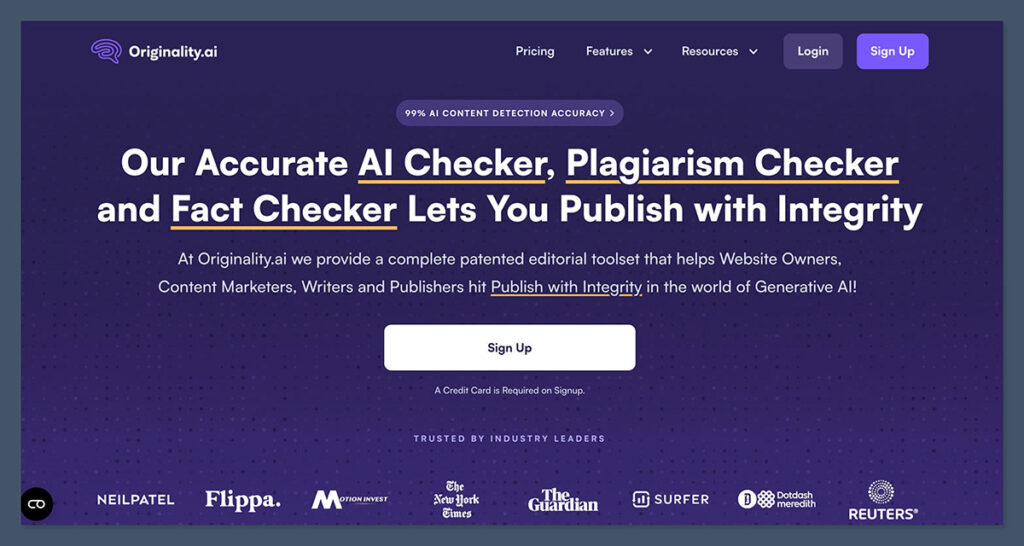
AI-generated text has a hallucination problem. It invents citations, fabricates statistics, and presents false claims with complete confidence. For teachers grading research papers, the question is not just “Did AI write this?” but “Are these facts even real?” Originality AI is the only detector in this list that answers both.
Originality AI runs a triple-layer analysis: AI detection, plagiarism checking, and fact-checking in a single scan. It also includes readability scoring and grammar checking. The fact-checking feature cross-references factual claims in student work, which is especially valuable for courses that assign research papers, literature reviews, or data-driven arguments. No other tool on this list bundles that capability.
The tool detects output from ChatGPT, GPT-4, Claude, Gemini, and other models. For integration, Originality AI offers a Chrome extension, a WordPress plugin, and Moodle support. That is less LMS coverage than Copyleaks or Turnitin, but it covers the basics. Team management features let department heads share credits and manage scanning across instructors.
The pricing model uses credits. The Lite plan runs $9.95/month for 50,000 words, and Pro costs $14.95/month for 100,000 words. One credit scans 100 words. A pay-as-you-go option runs $30 for 3,000 credits.
For a teacher scanning 30 research papers of 2,000 words each, that is 60,000 words per assignment cycle. The Lite plan handles that, but barely. High-volume scanning gets expensive fast.
Strengths
- Only tool with AI detection, plagiarism checking, and fact-checking combined
- Detects ChatGPT, GPT-4, Claude, Gemini, and other models
- Chrome extension and WordPress plugin
- Team management for departments
Weaknesses
- Credits-based model adds up for large classes
- Primarily marketed to content publishers, not educators
- Less LMS breadth than Copyleaks or Turnitin
- $14.95/month only covers 100K words
Originality AI is the right pick for professors and teachers running research-intensive courses where AI hallucinations are as dangerous as AI-written submissions. If your students cite sources in their work, the fact-checking feature alone justifies the subscription.
6. QuillBot AI Detector: Best for Understanding How Students Used AI
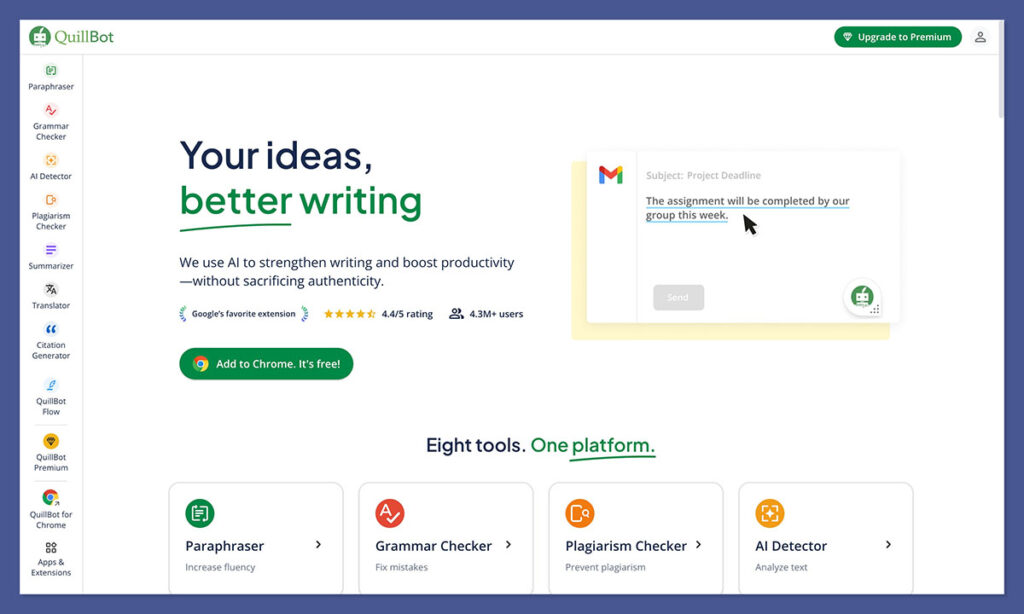
Most AI detectors give you a binary answer: AI or human. But in 2026, the real question is not whether a student used AI. It is how they used it.
Many schools now allow AI assistance for brainstorming or editing while prohibiting full AI generation. QuillBot is one of the few tools built for that nuance.
QuillBot’s AI Detector uses a three-tier classification system. Instead of a single percentage score, it labels text as “AI written,” “AI written but human-refined,” or “human written.” Sentence-level analysis shows exactly which passages fall into each category. For a teacher at a school with a nuanced AI-use policy, this granularity is the difference between a productive conversation and an unfair accusation.
Pricing is affordable and accessible, making it realistic for individual teachers without institutional budgets. QuillBot is part of a broader writing assistant ecosystem that many students already use. That shared context between how students write and how you evaluate their work adds practical value.
The trade-off is scale. QuillBot has no direct LMS integration. It is designed more for checking individual documents than for bulk grading workflows. If you teach a 200-student lecture course, this is not your primary scanning tool.
Strengths
- Three-tier classification (AI-written, AI-refined, human-written)
- Sentence-level analysis for nuanced evaluation
- Affordable for individual teachers
- Useful for schools with graduated AI-use policies
Weaknesses
- No LMS integration
- Not built for bulk scanning
- Less powerful than enterprise tools for institutional use
Best for: Teachers at schools with nuanced AI-use policies who need to distinguish between AI-generated and AI-assisted work.
Skip if: You need LMS integration or bulk scanning for large class sizes.
7. Paperpal: Best Free Option for Graduate-Level Academic Writing
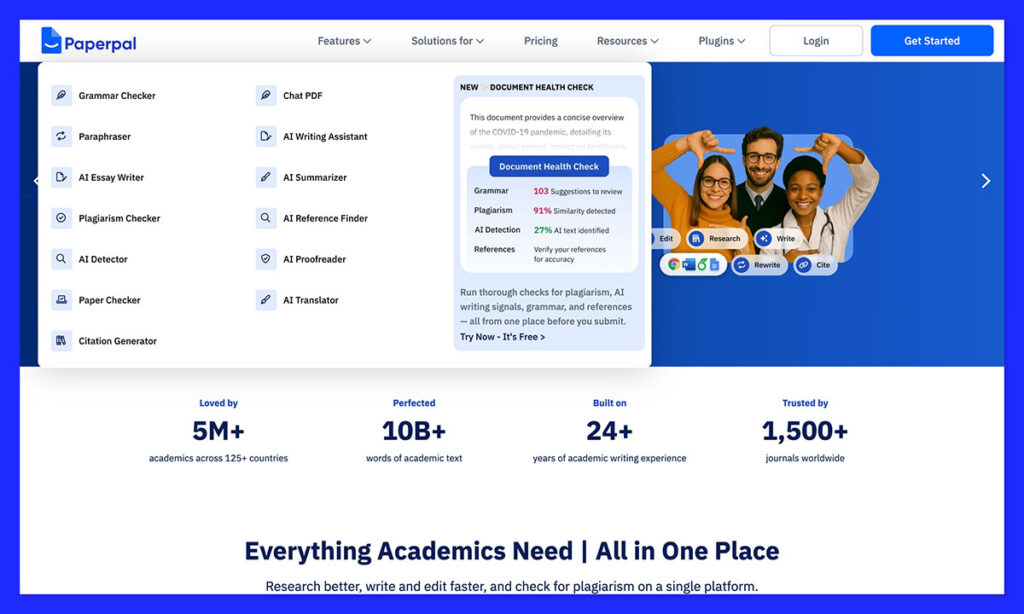
You are reviewing a PhD student’s dissertation chapter. The writing is precise, formal, and follows every academic convention. A general-purpose AI detector flags it at 60% AI probability. Not because AI wrote it, but because polished scholarly prose matches the patterns these tools associate with machine-generated text.
Paperpal was built to avoid exactly this problem. It is specifically tuned for academic and research writing. Its training data accounts for the formal structure, precise language, and citation-heavy style of scholarly work. A well-written human thesis chapter will not trigger the same false positives that plague general-purpose detectors when scanning academic text.
The free tier offers 5 scans per month at 1,200 words each. That is enough for spot-checking individual papers or dissertation sections, but not nearly enough for scanning an entire class of submissions. Think of it as a second-opinion tool rather than a primary detector.
Paperpal fits best in graduate-level supervision, thesis committee reviews, and journal peer review. It is not suited for K-12 classrooms or high-volume undergraduate scanning. The academic-specific tuning that makes it accurate for scholarly writing makes it less useful for the casual essays and short assignments that dominate undergraduate courses.
Strengths
- Tuned specifically for academic writing (fewer false positives on scholarly prose)
- Free tier available (5 scans/month, 1,200 words each)
- Ideal for graduate supervision and peer review
Weaknesses
- Low word limit on free tier
- Not suitable for high-volume classroom scanning
- Less adopted in K-12 and undergraduate settings
Paperpal is not a primary classroom AI detector. It is a specialist tool for academic writing. Graduate instructors, thesis committees, and journal reviewers will find it valuable as a low-false-positive second opinion. For everything else, use one of the broader tools above.
7. ZeroGPT: Best for Quick, No-Account Spot Checks (With Caveats)
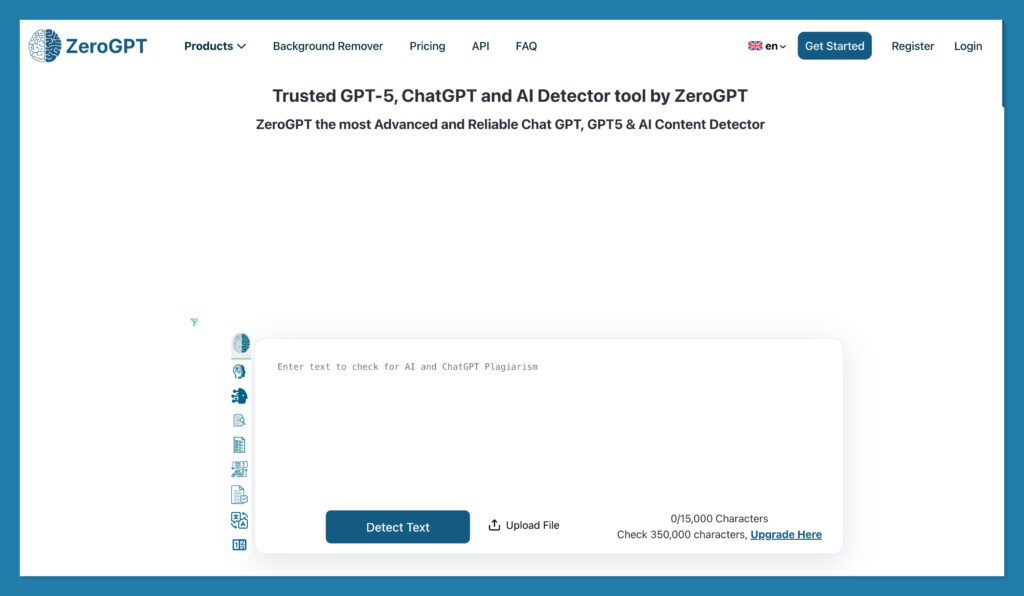
ZeroGPT appears in nearly every “best AI detector” list because it is free, fast, and requires no account. But it claims 98.8% accuracy while independent 2026 tests consistently show real-world accuracy between 70% and 85%. With a 15-25% false positive rate on genuine human writing, you are essentially flipping a weighted coin on whether a flagged student actually used AI.
What ZeroGPT does well is speed and accessibility. You paste text, click a button, and get an instant result. No registration, no payment, no setup.
For an extremely rough initial screen of obviously AI-generated content, it serves a narrow purpose. If a paper scores 95%+ AI on ZeroGPT, that is worth investigating further with a better tool.
The accuracy gap between marketing and reality is severe. Independent testing puts real accuracy at 70-85%. ZeroGPT often misidentifies formal academic writing as AI-generated. It is much less reliable than GPTZero despite the confusingly similar name. (They are completely different products by completely different companies.)
I want to be direct: do not use ZeroGPT as evidence for cheating accusations. A tool with a 15-25% false positive rate puts you at legal and ethical risk for academic integrity decisions. AI researcher Soheil Feizi, whose work demonstrated high false positive rates across detectors, has warned that relying on such tools to police AI use is fundamentally flawed.
Strengths
- Free with no account required
- Instant results
- Acceptable for rough first-pass screening
Weaknesses
- Real accuracy of 70-85% (not the claimed 98.8%)
- 15-25% false positive rate on human writing
- Often flags formal academic writing
- Not suitable for any high-stakes decisions
ZeroGPT is a free screening tool, not a reliable AI detector. Use it only as a first-pass filter and never as evidence for academic misconduct. If you need a free tool with actual reliability, use GPTZero’s free tier instead.
How to Choose the Right GPTZero Alternative
| If you need… | Best choice | Why |
|---|---|---|
| Defensible accuracy with the fewest false accusations | Pangram | Chicago Booth verified, ~0.01% false-positive rate, separates AI-assisted from fully AI-generated |
| Multilingual support | Copyleaks | 30+ languages, 99.84% accuracy on non-native English |
| No extra cost (school has Turnitin) | Turnitin | AI detection included, seamless LMS workflow |
| Handwritten/printed paper scanning | Winston AI | Only major detector with built-in OCR |
| Fact-checking student research | Originality AI | AI detection + plagiarism + fact-checking in one scan |
| Free tool for individual use | GPTZero | 10K words/month free, educator discounts |
| Nuanced AI-use policy enforcement | QuillBot | Three-tier classification distinguishes AI-assisted from AI-generated |
| Graduate/thesis-level scanning | Paperpal | Academic-tuned to avoid false positives on scholarly prose |
| Quick, zero-commitment spot check | ZeroGPT | Free, no account, but treat results with extreme caution |
How I Tested and Evaluated These Tools
| Criterion | Weight | What I Measured |
|---|---|---|
| False Positive Rate | 30% | How often the tool incorrectly flags human-written text as AI-generated, with emphasis on peer-reviewed and independently verified data rather than vendor claims |
| LMS Integration | 20% | Number of supported LMS platforms, depth of integration (automatic scanning vs. manual upload), and ease of setup for teachers |
| Multilingual Support | 20% | Number of supported languages for AI detection, accuracy on non-native English text, and ESL false positive rates |
| Pricing and Free Tier | 15% | Affordability for individual teachers, free tier generosity, educator discounts, and per-word cost at classroom scale |
| FERPA Compliance | 15% | Data processing agreements, SOC 2 certification, student data handling policies, and data retention/deletion practices |
Final Verdict
No AI detector is reliable enough to serve as sole evidence for academic misconduct. That is not a caveat. It is the most important conclusion from this evaluation.
If you teach in a multilingual environment, Copyleaks is the clear leader with 30+ language support, the broadest LMS coverage, and strong accuracy on non-native English texts.
If your school already pays for Turnitin, use it as a starting point but always pair it with a second tool for ESL students.
For individual teachers on a budget, GPTZero’s free tier remains the practical baseline, and Winston AI solves the niche problem of scanning physical papers that no other tool addresses.
Whatever tool you choose, treat detection results as a conversation starter, not a verdict. Talk to your students. Review their drafts. Look at their writing history. The best AI detection tool is still a teacher who knows their students.
FAQ
Can AI detectors be trusted for academic integrity decisions?
Not as sole evidence. Independent testing by Axis Intelligence in 2026 found no AI detector exceeded 80% overall accuracy, despite vendor claims of 95-99%. Academic integrity researcher Mike Perkins says these tools are “not fit for purpose.” Turnitin’s own website warns that AI scores should not be used as the sole basis for adverse actions against a student. Use detection as one data point alongside student conversations, drafts, and writing history.
Are AI detection tools FERPA compliant?
Not automatically. A FERPA-compliant tool must sign a Data Processing Agreement (DPA) with your school, contractually agree not to use student data for AI model training, maintain audit trails of who accesses student PII, and have clear data retention and deletion policies. Before adopting any tool, verify SOC 2 certification and COPPA compliance (for K-12), then have your IT or legal team review the vendor’s privacy policy.
Which AI detector has the lowest false positive rate?
Pangram, by independent verification. The 2025 University of Chicago Booth study (Jabarian & Imas) found Pangram was the only detector to meet a strict 0.5% false-positive cap, with a rate essentially at zero across thresholds. Pangram’s own published figure is 1 in 10,000 (~0.01%). Copyleaks reports ~0.2% in third-party testing, the lowest among the multilingual-focused tools, but Pangram is the lowest verified overall. GPTZero claims ~0.24%, though peer-reviewed work found it misclassifies closer to 1 in 10 human texts for certain text types.
Do AI detectors work for ESL and non-native English speakers?
Poorly, with one exception. Stanford HAI research found AI detectors misclassified 61% of non-native English speaker essays as AI-generated. Updated 2025 data showed false positive rates of 28% for non-native writers. Copyleaks is the standout, achieving 99.84% accuracy on non-native English texts with less than 1% false positive rate. For diverse classrooms, Copyleaks is the safest choice.
What is the difference between GPTZero and ZeroGPT?
Completely different products by different companies. GPTZero (gptzero.me) is education-focused, serves 380,000+ educators, and claims a 0.24% false positive rate. ZeroGPT claims 98.8% accuracy, but independent testing shows 70-85% real-world accuracy with a 15-25% false positive rate. GPTZero is significantly more reliable.
Does Canvas have built-in AI detection?
No. Canvas does not include a native AI detection system. Schools must integrate third-party tools via Learning Tools Interoperability (LTI). Turnitin, Copyleaks, and GPTZero all offer Canvas LTI integrations. Copyleaks has the broadest LMS coverage overall, connecting to seven platforms.
What should a teacher do after an AI detection flag?
Pause all punitive action immediately. Share the report with the student so they can see what was flagged. Ask for writing process artifacts: drafts, notes, outlines, or time-stamped documents. Run the submission through a second detector. Consider the student’s writing history and language background. If the evidence is ambiguous, escalate to your institution’s academic integrity office rather than acting alone.
Can AI detectors catch content from Claude, Gemini, or non-ChatGPT models?
Results vary. A ResearchGate study tested Turnitin, ZeroGPT, GPTZero, and Writer AI on text from ChatGPT, Perplexity, and Gemini and found accuracy differences depending on which AI model generated the text. Detectors trained heavily on ChatGPT output tend to perform worse on Claude or Gemini text. Copyleaks and GPTZero are updated more frequently to cover newer models, but no tool reliably catches all AI-generated content across every model.