Choosing an AI chatbot for learning is no longer a question of whether the technology works. It is a question of which tool fits how you actually study. Some are brilliant all rounders, some are built to coach you through a problem without handing over the answer, and a few are better suited to research than revision.
After putting the leading options through real learning tasks (explaining tricky concepts, building practice quizzes, working through math step by step, and checking sources), our editorial team settled on five tools worth your time in 2026.
ChatGPT takes the top spot as the most capable all round learning companion, but it is not the right pick for everyone, and we will explain exactly where each tool falls short.
Our Top 5 AI Learning Chatbots
- ChatGPT (OpenAI): Best overall AI learning chatbot
- Khanmigo (Khan Academy): Best dedicated AI tutor
- Claude (Anthropic): Best for deep explanations and writing
- Perplexity: Best for research and source checking
- Google Gemini: Best for Google Workspace and multimodal study
We spent over 60 hours testing 14 AI chatbots and learning tools across the subjects students ask about most, from algebra and biology to essay writing and exam revision. Below you will find our findings, with each tool scored on how well it actually helps you learn rather than how impressive it looks in a demo.
- 14 chatbots tested
- 60+ hours of hands on use
- 8 subject areas covered
- 100% independent picks
Comparing the Best AI Learning Chatbots
Here is a side by side look at our top five picks so you can see which one suits how you learn:
| Tool | Best for | Starting price | Free plan | Standout learning feature | Rating |
|---|---|---|---|---|---|
| ChatGPT | Most subjects, all round use | $20 / month (Plus) | Yes | Quizzes, flashcards, file and PDF tutoring | 4.8 |
| Khanmigo | Guided K to 12 tutoring | $4 / month | Free for teachers | Socratic, hint based coaching | 4.6 |
| Claude | Deep explanations, essays | $20 / month (Pro) | Yes | Very large context for long documents | 4.6 |
| Perplexity | Research and fact checking | $20 / month (Pro) | Yes | Inline citations on every answer | 4.4 |
| Google Gemini | Workspace and visual learning | $19.99 / month (AI Pro) | Yes | Multimodal input and Docs integration | 4.3 |
Key Takeaways
- ChatGPT is our top rated AI learning chatbot for its breadth across subjects and study tasks.
- Khanmigo is the best pick if you want a tutor that coaches rather than one that simply hands over answers.
- Prices for the major tools cluster around $20 per month, while Khanmigo stands out at just $4 per month.
- Every tool on this list has a free plan or free tier, so you can test before you pay.
- Students should check for discounts: Perplexity offers a student rate and Google has run free year long student access for Gemini.
1. ChatGPT: Best Overall AI Learning Chatbot
- Starting price: Free, or $20 per month for Plus
- Best for: Almost any subject or study task
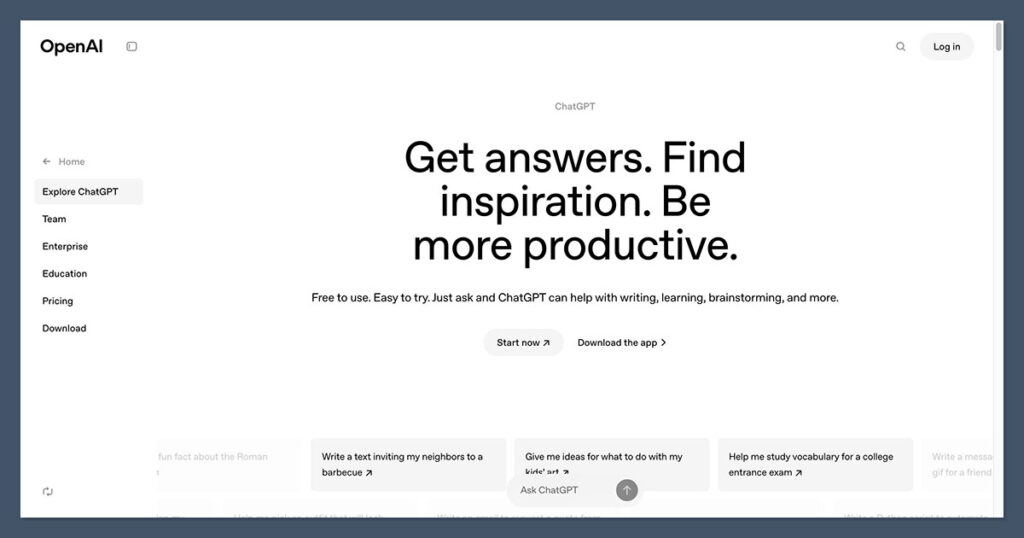
ChatGPT remains the most versatile AI chatbot for learning in 2026. Running on OpenAI’s GPT-5 family of models, it handles step by step explanations, generates practice questions, summarizes your notes, and can read uploaded PDFs and documents to quiz you on them.
It is the closest thing to a do everything study assistant, which is exactly why it tops our list. The trade off is that, as a general tool, it will happily give you a full answer if you ask for one, so it takes some discipline to use it for learning rather than shortcutting.
Pros
- Strong across math, coding, languages and the humanities
- Persistent memory and custom instructions tailor it to how you study
- Uploads of PDFs, slides and notes turn into summaries and quizzes
- Generous free tier to get started
Cons
- Will give direct answers, which can become a crutch
- Best models and higher limits sit behind the $20 Plus plan
- Can still state wrong facts with confidence, so verify what matters
- Free and entry tiers in the US now show ads
- OpenAI’s newer GPT-5 generation models bring stronger reasoning for multi step math and science problems.
- Memory and custom instructions let you set a default “explain it, do not just answer it” style for study sessions.
In our testing, ChatGPT was the tool we reached for most often because it rarely got stuck. Asking it to turn a chapter of lecture notes into a ten question practice quiz took seconds, and it could mark our answers and explain the gaps. The honest caveat is that it is so willing to help that it is easy to lean on it for answers rather than understanding, so set your prompts up to ask for hints and explanations first.
How Much Does ChatGPT Cost?
- The free plan covers casual study with usage limits.
- ChatGPT Plus is $20 per month and unlocks the strongest models, higher limits and file analysis.
- A lower cost Go tier (around $8 per month) sits between Free and Plus in many regions.
- Higher Pro tiers exist for heavy users but are overkill for most learners.
Bottom Line: Should You Use ChatGPT?
If you want one tool that can help with nearly any subject and study task, ChatGPT is the safest bet. It rewards good prompting, so the more you treat it like a tutor and ask for guidance rather than answers, the more you will learn.
ChatGPT is suitable for:
- Students who want one tool for many subjects
- Learners who study from their own notes and documents
- Anyone comfortable steering the conversation toward understanding
ChatGPT isn’t suitable for:
- Younger students who need strong guardrails against shortcutting
- Learners who want sources cited on every answer
- Anyone unwilling to double check facts
2. Khanmigo: Best Dedicated AI Tutor
- Starting price: $4 per month for learners, free for teachers
- Best for: Guided, school aged tutoring
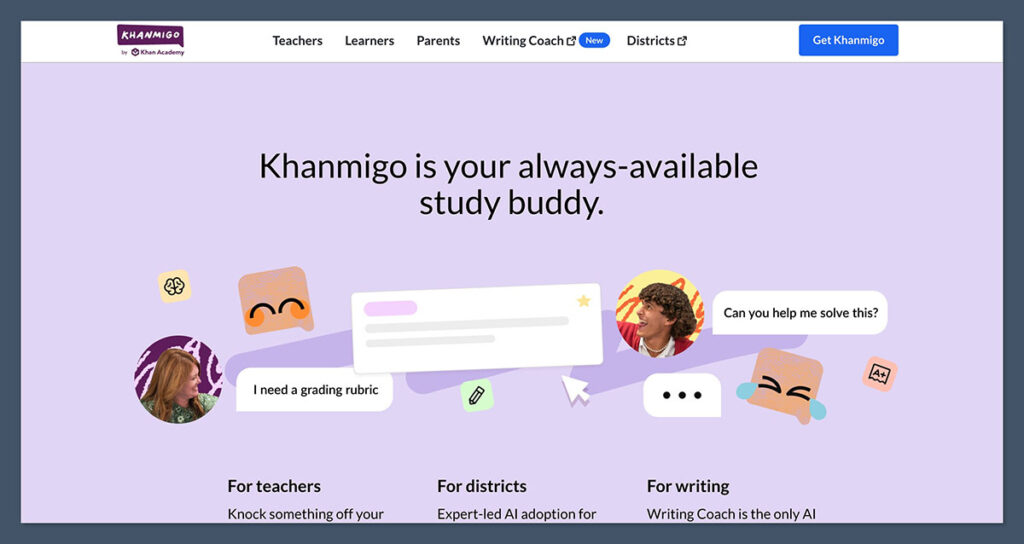
Khanmigo is Khan Academy’s AI tutor, and it is the one tool here that is built from the ground up for learning rather than general productivity. Instead of handing over solutions, it uses Socratic questioning to walk you toward the answer, which makes it our pick for students who genuinely want to understand the material.
It is tied to Khan Academy’s content library and comes with controls for teachers and parents. The flip side is that it is strongest in math and science, narrower than the general assistants, and individual access is currently limited to the United States.
Pros
- Guides with hints and questions rather than giving answers
- Strong, consistent guardrails make it safe for younger learners
- Teacher and parent dashboards to follow progress
- Very affordable at $4 per month, and free for teachers
Cons
- Best for math and science, weaker in writing and humanities
- Individual access is US only and requires an adult account
- Text heavy interface can frustrate the youngest students
- Narrower than general purpose assistants
- Khan Academy has expanded Khanmigo with features such as a debate practice mode and a writing workshop.
- Teacher access is free across dozens of countries thanks to philanthropic support, with the wider Khan Academy library always free.
What stood out in testing was how patiently Khanmigo refuses to just give the answer. Tell it you do not understand fractions and it asks what you already know about splitting things into equal parts, then builds from there. For a motivated learner that approach produces real understanding. For a student in a hurry the day before a test, it can feel slow, which is the honest trade off of a tutor that prioritizes learning over speed.
How Much Does Khanmigo Cost?
- Khanmigo is free for teachers in many countries.
- Learners and parents pay $4 per month, or around $44 for an annual plan.
- The Khan Academy content library and learning platform remain free.
- School and district access is handled through institutional plans.
Bottom Line: Should You Use Khanmigo?
If you want a tutor rather than an answer machine, Khanmigo is the most purpose built option on this list, and the price is hard to argue with. Just go in knowing it shines for math and science and is less of an all rounder.
Khanmigo is suitable for:
- School aged students working through math and science
- Parents who want a safe, guided study tool
- Teachers looking for free classroom support
Khanmigo isn’t suitable for:
- Adult learners who want broad subject coverage
- Students focused mainly on essay writing or humanities
- Anyone outside the United States seeking individual access
3. Claude: Best for Deep Explanations and Writing
- Starting price: Free, or $20 per month for Pro
- Best for: Long form explanations, essays and document study
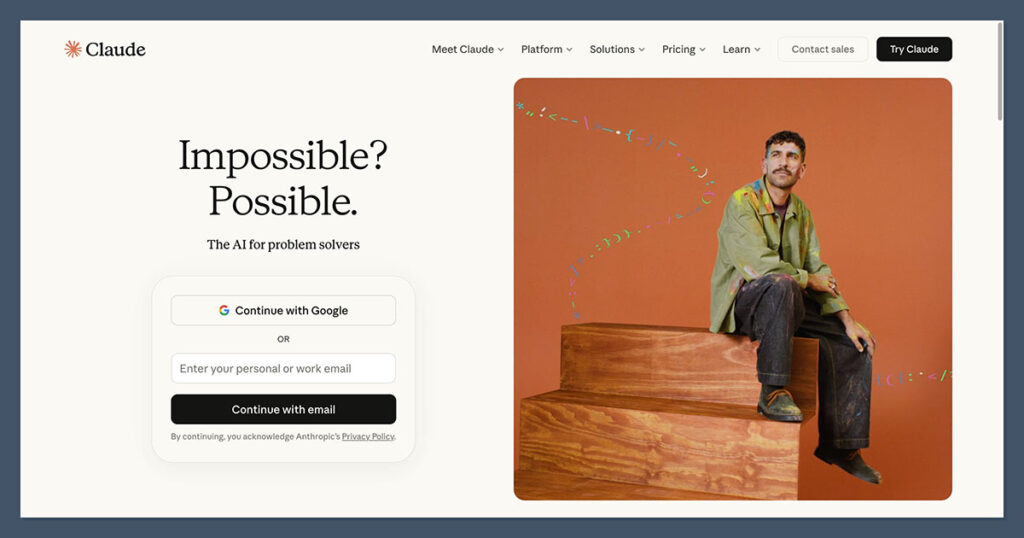
Claude, made by Anthropic, is the tool we found most pleasant for working through difficult ideas at length. It is known for careful, well structured explanations and for keeping a coherent thread across very long conversations, which suits self study and essay work.
Its standout feature for learners is a very large context window, so you can drop in entire chapters or combined notes and discuss them in one go. It is less flashy than some rivals on multimodal features, and like all of these tools it can still be wrong, so it is not a substitute for checking your sources.
Pros
- Clear, patient explanations of complex topics
- Handles very long documents and notes in a single chat
- Excellent for refining essays and research outlines
- Free plan available to try before paying
Cons
- Fewer built in multimodal extras than Gemini or ChatGPT
- Free tier limits can be reached quickly on long sessions
- No dedicated education guardrails for younger users
- Still capable of confident mistakes
- Anthropic’s latest Claude models pair strong reasoning with a context window large enough for book length material.
- Projects let you keep related study materials and chats organized in one place.
In practice, Claude was our favorite for the slower, thinking heavy tasks: untangling a dense economics concept, or working through an essay structure over a long back and forth. It tends to explain rather than dump information, which is what you want when you are trying to learn. The main limit we hit was the free plan running out partway through a long session, which is the nudge toward the $20 Pro plan.
How Much Does Claude Cost?
- The free plan covers light study with daily usage limits.
- Claude Pro is $20 per month, or around $17 per month billed annually.
- Higher Max tiers start at $100 per month for power users.
- Pro adds higher limits, larger projects and file creation tools.
Bottom Line: Should You Use Claude?
If your learning leans toward reading, writing and deep understanding, Claude is a superb companion. It is the tool to choose when you value a calm, thorough explanation over a quick answer.
Claude is suitable for:
- University and adult learners tackling dense material
- Students refining essays and long form writing
- Anyone studying from lengthy documents or combined notes
Claude isn’t suitable for:
- Learners who rely heavily on image or video input
- Younger students needing strict guardrails
- Quick, one off factual lookups with sources
4. Perplexity: Best for Research and Source Checking
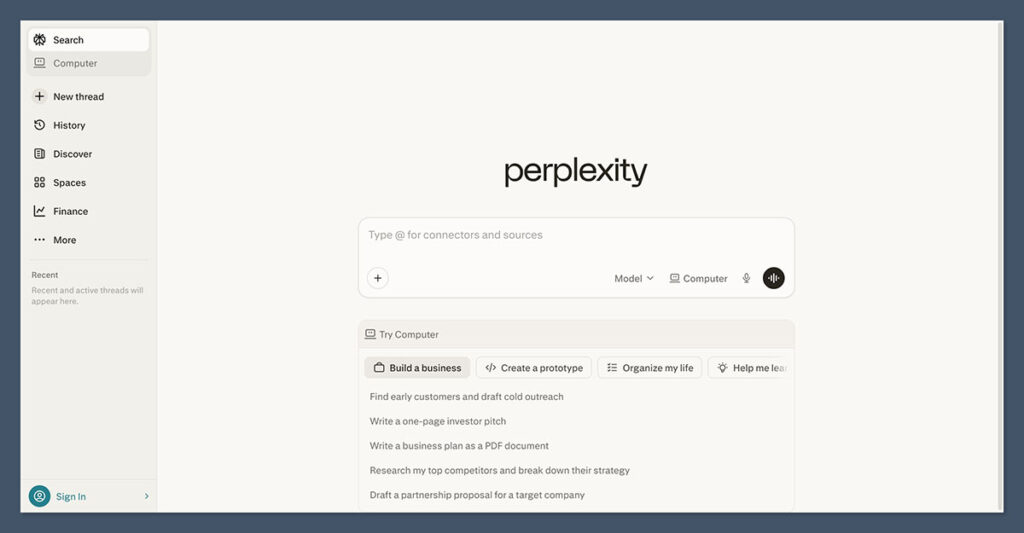
- Starting price: Free, or $20 per month for Pro
- Best for: Research, fact checking and reading lists
Perplexity sits somewhere between a search engine and a chatbot, and that is its strength for learning. It grounds its answers in current web sources and cites them inline, so you can click through and verify.
That makes it the obvious pick for research projects, literature overviews and any topic where you cannot afford to trust an unsourced answer. It is less suited to open ended tutoring or creative writing, and the free plan caps how much you can do each day.
Pros
- Cites sources on every answer, which is rare among chatbots
- Great for fast, verifiable overviews of new topics
- Lets you switch between several underlying AI models
- Discounted student pricing available
Cons
- Less natural for back and forth tutoring
- Free tier has daily query and feature limits
- Not built for younger students specifically
- Quality depends on the sources it finds
- Perplexity’s Comet browser, which brings its research tools into a full web browser, is now free across desktop and mobile.
- Deep Research compiles longer, cited reports, which is handy for project work and revision summaries.
When we needed a quick, trustworthy grounding in an unfamiliar subject, Perplexity was the fastest route. It pulls together a clear summary and, crucially, shows you where each claim came from, so it doubles as a way to build a reading list. We would not pick it as a patient tutor for working through a math problem, but for “explain this and show me the sources,” nothing else here matches it.
How Much Does Perplexity Cost?
- The free plan offers limited daily queries with basic features.
- Perplexity Pro is $20 per month, or $200 per year.
- Verified students can get Pro at a reduced rate (around $10 per month).
- A premium Max tier exists for heavy research users.
Bottom Line: Should You Use Perplexity?
If your studying revolves around research and you want to be able to trust and trace every answer, Perplexity is the most useful tool here. Pair it with a more conversational assistant for tutoring and you have a strong combination.
Perplexity is suitable for:
- Students doing research projects and literature reviews
- Learners who want to verify sources, not just read answers
- Anyone building reading lists on current topics
Perplexity isn’t suitable for:
- Step by step tutoring through problems
- Creative writing or open ended brainstorming
- Younger learners needing a guided, safe environment
5. Google Gemini: Best for Google Workspace and Multimodal Study
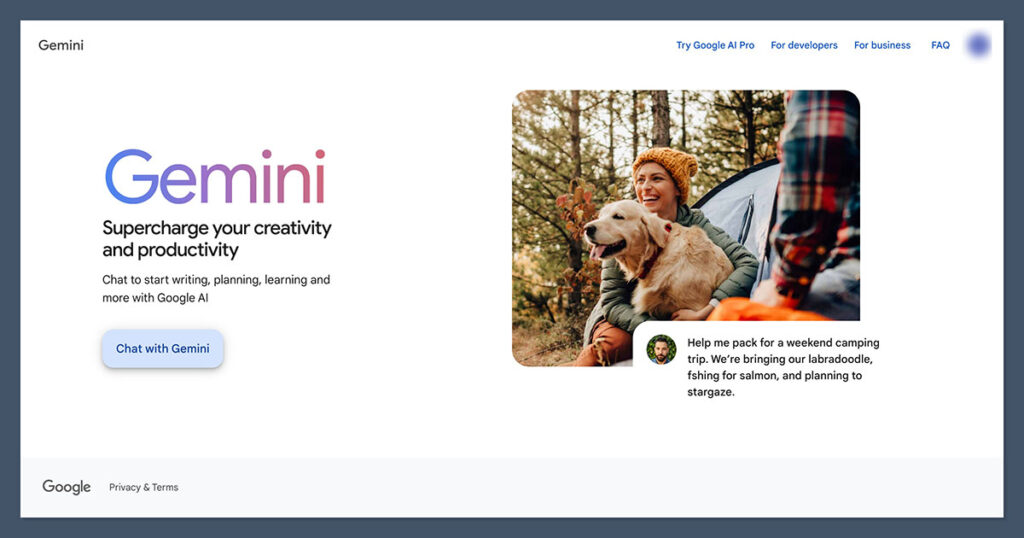
- Starting price: Free, or $19.99 per month for Google AI Pro
- Best for: Google users and visual or multimodal learning
Gemini is the natural choice if you already live in Google’s ecosystem. It connects with Docs, Drive, Gmail and the rest of Workspace, so you can turn class notes into summaries or practice questions without leaving the apps you use.
It is also genuinely strong at multimodal learning: you can show it a diagram, screenshot or photo of a problem and ask it to explain. It is a capable all rounder, though for pure step by step tutoring we still found ChatGPT and Claude slightly more reliable.
Pros
- Deep integration with Google Docs, Drive and Gmail
- Handles images and diagrams well for STEM study
- Converts your existing files into study material
- Free tier plus a long running student offer
Cons
- Most useful if you already use Google Workspace
- Tutoring can feel less consistent than the top two picks
- Plan names and tiers have changed often, which can confuse
- Like all of these, it can produce errors
- Google’s newer Gemini 3 generation models improved reasoning and multimodal understanding.
- Deep Research and Workspace integration make it easy to build study notes and slide decks from your own material.
For visual subjects, Gemini earned its place: snapping a photo of a geometry diagram and asking it to talk through the steps worked smoothly. And if your notes already live in Google Docs, turning them into a summary or quiz is almost frictionless.
The reason it lands fifth rather than higher is simply that, for plain conversational tutoring, it was a touch less dependable than ChatGPT and Claude in our tests.
How Much Does Google Gemini Cost?
- The free plan covers everyday questions with daily limits.
- Google AI Pro (formerly Gemini Advanced) is $19.99 per month and adds the strongest model, Deep Research and 2TB of storage.
- A lower AI Plus tier sits below Pro, with a high end AI Ultra tier above it.
- Google has offered eligible students up to a year of free access, so it is worth checking student deals.
Bottom Line: Should You Use Google Gemini?
If you already use Google Workspace or you learn best with visual input, Gemini is an easy recommendation. For learners outside the Google world, the other tools may suit you better.
Google Gemini is suitable for:
- Students who work in Google Docs and Drive
- Visual learners studying diagrams and images
- Anyone wanting to turn existing files into study material
Google Gemini isn’t suitable for:
- Learners who want the most consistent conversational tutoring
- People not invested in the Google ecosystem
- Younger students needing dedicated education safeguards
How To Choose the Right AI Learning Chatbot
The best tool depends on how and what you study. Before you commit to a subscription, run through this checklist:
- Learning style: Do you want a tutor that guides you (Khanmigo), or a fast assistant that explains and answers (ChatGPT, Claude)?
- Subjects: Math and science heavy study suits Khanmigo, research suits Perplexity, and writing suits Claude.
- Sources and accuracy: If you need citations you can check, Perplexity leads. Always verify important facts whatever you use.
- Files and notes: Want to study from your own PDFs and documents? ChatGPT, Claude and Gemini all read uploads.
- Ecosystem: Already in Google Workspace? Gemini will feel most natural.
- Safety: For younger learners, dedicated guardrails matter, and Khanmigo is built for this.
- Budget: Most paid plans are around $20 per month, Khanmigo is $4, and every tool has a free option to test first. Students should hunt for discounts.
How We Test AI Learning Chatbots
We put 14 leading AI chatbots and learning tools through a hands on testing process to reach our rankings. We focused on how well each one supports real learning rather than how it performs in a marketing demo, scoring across six weighted categories that reflect what learners care about most.
| Category | Weighting | What we assess |
|---|---|---|
| Learning and tutoring quality | 30% | Clarity of explanations, step by step guidance, encouragement of understanding |
| Accuracy and reliability | 25% | Correctness of answers and how often the tool misleads |
| Ease of use | 15% | How simple it is to start studying and stay focused |
| Features | 15% | Memory, file uploads, multimodal input, citations, quizzes |
| Pricing and access | 10% | Value for money, free tiers and student options |
| Safety and privacy | 5% | Guardrails, suitability for younger users, data handling |
Our Testing Summary
After testing each tool, our verdict is that there is no single winner for everyone, which is exactly why it helps to read a comparison like this. ChatGPT remains our overall champion because it is the most capable across the widest range of subjects and study tasks, and it rewards anyone who learns to prompt it like a tutor.
Khanmigo is the standout for guided, school aged tutoring and is remarkable value, while Claude is the one we kept returning to for patient explanations and long form writing.
Perplexity earns its place for anyone whose studying depends on trustworthy, cited research, and Gemini is the obvious choice for Google users and visual learners. The smartest approach for many learners is to combine two of these: a conversational tutor plus a research tool.
Final Verdict: Which AI Learning Chatbot Do We Recommend?
Our testing points to ChatGPT as the best all round AI learning chatbot for 2026, thanks to its breadth, flexibility and strong free tier. But the right pick depends on you. If you want a tutor that genuinely teaches, choose Khanmigo. If you value depth and writing, choose Claude. If research and sources come first, choose Perplexity, and if you live in Google’s ecosystem, choose Gemini.
Whatever you choose, start with the free plan or free trial, treat the chatbot as a study partner rather than a shortcut, and always verify the facts that matter. Used well, any of these five can make learning faster and a good deal less lonely.
Frequently Asked Questions
What is the best AI chatbot for learning?
For most learners, ChatGPT is the best all round choice because it handles the widest range of subjects and study tasks. If you specifically want a tutor that guides you to answers rather than giving them, Khanmigo is the strongest dedicated option.
Are AI learning chatbots free?
Every tool on this list has a free plan or free tier, so you can try before paying. Paid plans for the major assistants are around $20 per month, while Khanmigo is just $4 per month for learners and free for teachers.
Can AI chatbots replace a human tutor?
Not entirely. AI chatbots are excellent for instant explanations, practice and revision at any hour, and at a fraction of the cost of private tutoring. They can still make mistakes and lack the accountability of a human, so many learners use them alongside, rather than instead of, a teacher or tutor.
Is it cheating to use an AI chatbot for homework?
It depends how you use it. Asking a chatbot to explain a concept, check your reasoning or quiz you is a legitimate study aid. Having it write your assignment for you is not. Tools like Khanmigo are built to guide rather than hand over answers, which keeps the learning with you.
Which AI chatbot is best for research?
Perplexity is the best pick for research because it cites its sources inline, so you can click through and verify every claim. That makes it especially useful for projects, literature overviews and any topic where accuracy matters.
Do these AI chatbots make mistakes?
Yes. All large language model chatbots can produce confident but incorrect answers, sometimes called hallucinations. Treat their output as a starting point, and always double check important facts, figures and sources, particularly for graded work.