Procrastination isn’t a discipline problem. It’s a resistance problem, and that resistance usually shows up when a task feels unclear, overwhelming, or risky.
AI tools have become surprisingly effective at solving the underlying issue rather than just nagging you about deadlines. They turn a blurry “study for finals” into a 12-minute first step you can actually start, and they do it without judgment, at any hour, in any subject.
For students and self-directed learners, that combination is a real shift. This guide breaks down why AI works against procrastination, the prompts that consistently get traction, and the tools worth knowing in 2026.
Quick Summary
- Procrastination is driven by emotional resistance, not laziness. AI helps by reducing the cognitive load of starting.
- The most effective AI prompts break tasks into tiny steps, surface hidden blockers, or commit you to a one-hour focused sprint.
- For research and study, Perplexity, ChatGPT, Elicit, Consensus, and NotebookLM each serve a different purpose.
- Use AI to scaffold work, not to replace your own thinking. Verify every cited source before trusting it.
Why AI Works Against Procrastination
The core insight from productivity research is that procrastination is rarely about the task itself. It’s about the feeling the task triggers: uncertainty, perfectionism, fear of failure, or simple cognitive overload. AI assistants intervene at exactly that emotional gap.
They Make Starting Feel Safe
Large tasks (“write my dissertation chapter”) trigger avoidance because the brain can’t see the first move. When you describe a task to an AI assistant, it forces a shift from avoidance mode into problem-solving mode. The chatbot decomposes the project into what one productivity writer calls “ridiculously tiny, embarrassingly easy steps.”
A five-minute micro-task triggers far less resistance than a four-hour project, and once you’ve started, momentum tends to carry you forward.
They’re an Always-Available Accountability Partner
Human accountability partners are great when they’re awake and available. AI is awake at 11pm on a Sunday before an exam. It won’t guilt-trip you for falling behind, and it can be configured with a custom prompt to act as a productivity coach who checks in after each step, rewards micro-progress, and helps you regain momentum after a stumble.
This produces a string of small wins rather than the anxious-build-up-then-relief cycle that traps most procrastinators.
They Externalize the Mental Load
A lot of procrastination is actually working memory exhaustion. You’re holding the task, the deadline, the criteria, the missing information, and the emotional weight all at once. Handing some of that to an AI, even just by describing your situation out loud, frees up enough cognitive space to act.
For Students Specifically
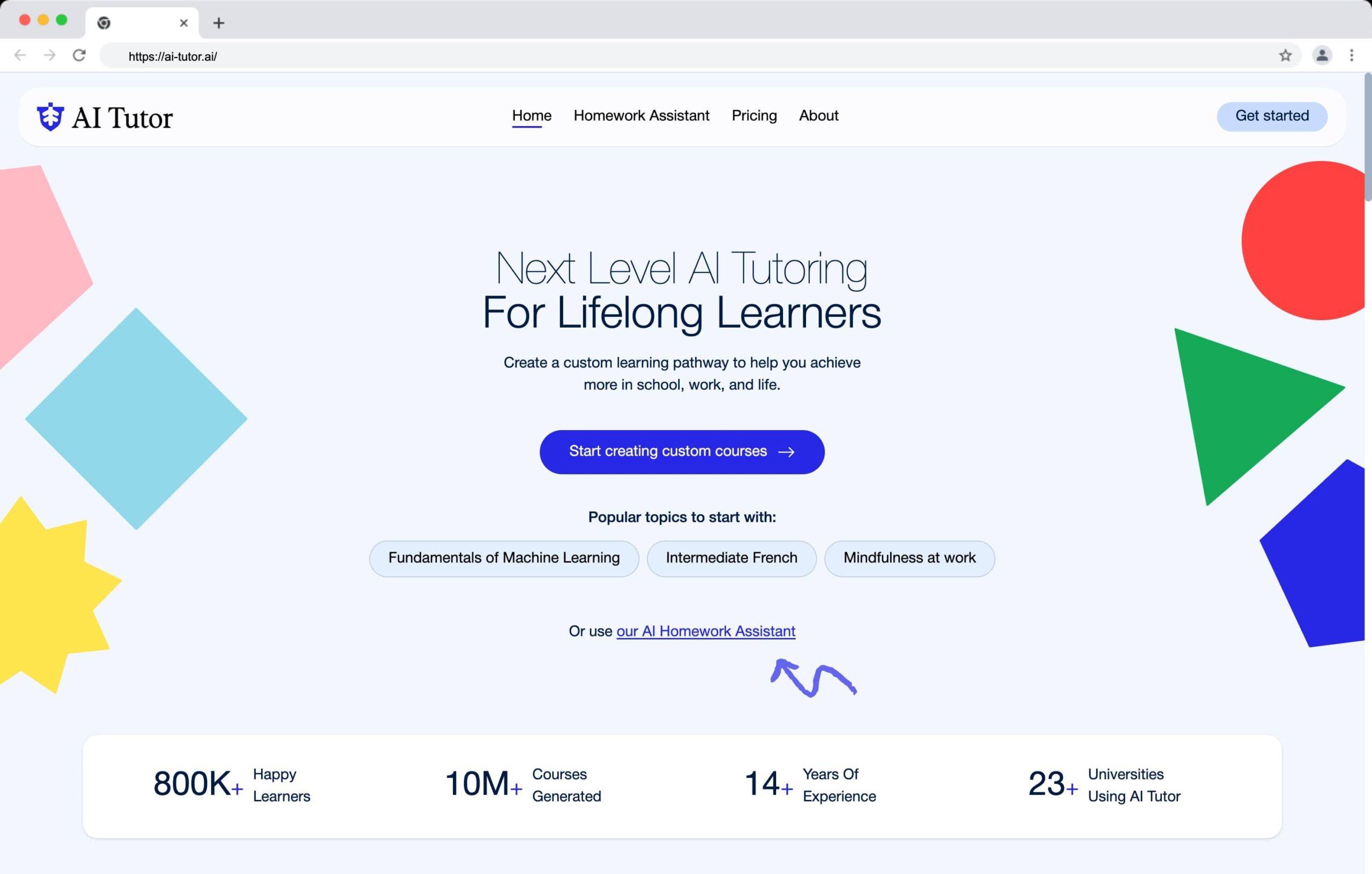
If you’re using an AI tutor, the procrastination-busting effect compounds. The tutor doesn’t just break the task down, it teaches you the content as you work through it.
This means starting the task and learning the material happen in the same session, which removes one of the most common student avoidance excuses: “I don’t know enough yet to begin.”
Five AI Prompts That Beat Procrastination
Generic prompts produce generic help. The prompts below are structured to target specific procrastination patterns. Copy them, paste them into your AI assistant of choice, and replace the bracketed text with your situation.
1. The Procrastination Decoder
Use this when you don’t know why you’re stuck. Often the real blocker isn’t the task you’ve been avoiding, it’s something underneath it.
Prompt
“Act as a productivity coach who specializes in procrastination. Help me identify the real reasons I keep putting off this task: [insert task]. Ask me diagnostic questions to surface the emotional, mental, or situational causes. Don’t give advice until you’ve asked at least five questions.”
2. The Momentum Map
Use this when you know what you need to do but can’t get started. The fix is granularity.
Prompt
“I have a task I keep avoiding: [insert task]. Break it down into the smallest, least overwhelming steps possible. The first step should take five minutes or less. Guide me through a momentum-boosting plan that builds confidence as I go.”
3. The Anti-Perfectionism Protocol
Use this when you’re stuck polishing a draft, replanning the same study schedule, or telling yourself the work “isn’t ready yet.”
Prompt
“Act as a mindset coach for someone stuck in perfectionism. I keep delaying [insert task] because it’s not good enough yet. Help me identify what ‘good enough’ actually looks like, and design a way for me to take messy action with confidence in the next 30 minutes.”
4. The One-Hour Turnaround
Use this when the day is half over and you’ve done nothing. The constraint is the point.
Prompt
“I want to make meaningful progress on a high-value task today in just one focused hour. Here’s what’s on my plate: [list tasks]. Help me choose the single best task, break it down, and give me a 15-minute-block plan for the next 60 minutes.”
5. The Study Session Starter
Tailored for students. Use this when an upcoming exam or assignment feels too big to begin.
Prompt
“I have [exam/assignment] on [date] covering [topics]. I’ve been avoiding studying because it feels overwhelming. Design a 25-minute study session I can start right now that covers the most foundational concept first. Include a 2-minute warm-up, the core practice, and a quick self-check at the end.”
AI Research and Study Tools Worth Knowing in 2026
The biggest shift in 2026 is that AI tools no longer just answer questions. They run multi-step research autonomously, read dozens of sources, and produce structured reports in a few minutes. For students and learners, this changes what’s worth procrastinating over and what isn’t.
Deep Research Platforms
Three platforms now offer autonomous “deep research” modes that go beyond standard chat.
Perplexity Deep Research performs dozens of searches and reads hundreds of sources before producing a cited report in 2 to 6 minutes. The free tier includes around 5 Deep Research queries per day, and Pro at $20/month unlocks 20 per day. It’s the strongest choice for broad topic exploration because every claim links back to a source.
ChatGPT Deep Research is available across paid tiers with limited monthly access on the free plan. It’s tightly integrated with ChatGPT’s reasoning models and tends to produce more interpretive, essay-style outputs than Perplexity’s source-dense reports.
Gemini Deep Research stands out by searching across Gmail, Drive, and Chat alongside the web, which is useful if your study materials, notes, and class communications live inside Google Workspace.
Specialized Tools for Students and Researchers
| Tool | Best For | Why It Helps |
|---|---|---|
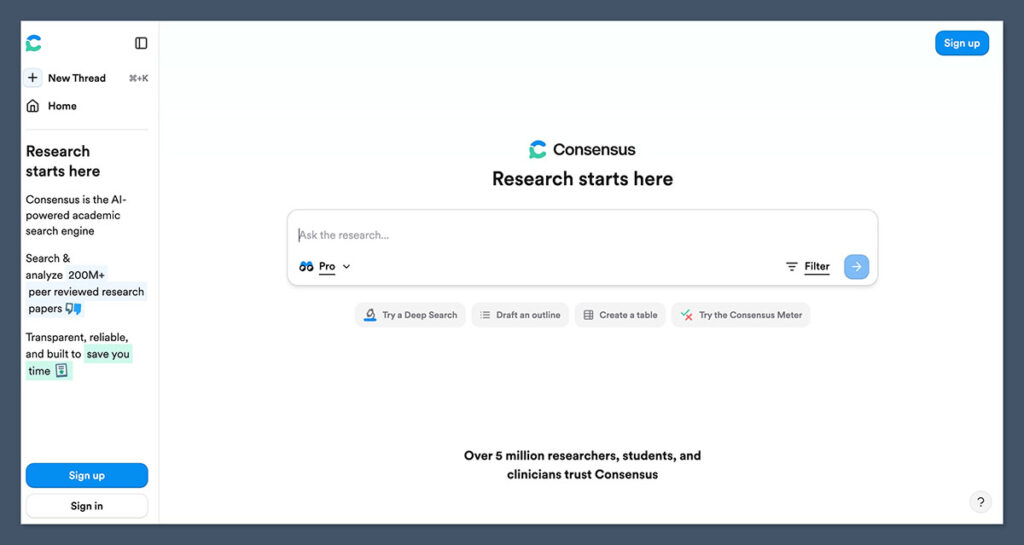
| Consensus | Finding what science actually agrees on | Searches 200M+ academic papers and shows a Consensus Meter for yes/no research questions |
| Elicit | Literature reviews and data extraction | Pulls sample sizes, methodologies, and outcomes from PDFs into structured tables |
| Scite | Verifying study reliability | Smart Citations show whether a paper has been supported or contradicted by later research |
| NotebookLM | Studying from your own materials | Upload your lecture notes, PDFs, and slides, then ask questions grounded only in those sources |
| Perplexity | Fast, broad topic discovery | Multi-source synthesis with citations in seconds, ideal for getting oriented in a new subject |
A Practical Stack for Beating Study Procrastination
The strongest workflow combines tools rather than relying on one. For a typical academic project:
- Start in Perplexity to map the topic and find authoritative sources.
- Move to Elicit to pull structured data from the papers that matter.
- Validate in Consensus or Scite when you need to know how reliable a claim is.
- Use NotebookLM as your study companion once you’ve gathered your core sources.
- Use a general AI tutor (ChatGPT, Claude, Gemini) for explanations, practice problems, and momentum-building prompts.
This setup handles the part of studying that students procrastinate on most: not the studying itself, but the research and synthesis that comes before it.
Where AI Falls Short
AI is a scaffold, not a replacement, and procrastinating with AI is still possible. A few honest limitations to keep in mind.
It Can Fabricate Sources
Even tools that cite their sources sometimes link to papers that don’t say what the AI claims they say, or occasionally to papers that don’t exist. Always click through and verify before quoting anything in an assignment. This is especially true for niche academic claims and recent statistics.
It Can Become a Procrastination Tool Itself
Asking an AI to “help me plan how to start” can be its own avoidance strategy. The fix is a hard rule: if you’ve spent more than 10 minutes prompting and haven’t done any of the actual work, stop and execute the first step from whatever plan you have.
It Doesn’t Build Skill on Its Own
Letting AI do the writing, the math, or the reasoning for you skips the discomfort that creates learning. The most useful framing for students is: use AI to lower the activation energy of starting, not to bypass the work that produces understanding. The American Psychological Association takes a similar position on AI in academic writing, noting that authorship and intellectual contribution must remain human, with AI playing a supporting role.
Building a Sustainable Anti-Procrastination Habit
Tools matter less than the routine you build around them. A few patterns that hold up over time:
- Start every avoided task by describing it to an AI in plain language. The act of articulating it usually surfaces what’s actually stuck.
- Cap your planning at five minutes. Past that, you’re procrastinating with extra steps.
- Set the first step at five minutes or less. Always. No exceptions for “but this task is bigger.”
- End each session with the first step of the next one already written down. Starting tomorrow is easier when tomorrow’s first action is concrete.
- Review weekly. Ask your AI to look at what you completed and what you avoided, and to name patterns.
Procrastination doesn’t disappear because you have better tools. It loosens its grip when starting stops feeling expensive. That’s the real value of AI in this context, and it’s why even a basic free assistant, used well, can change how a student or self-learner gets through the week.
Frequently Asked Questions
Can AI actually cure procrastination?
No, and any tool that claims to is overselling. What AI does well is lower the resistance to starting and provide structure when motivation is missing. The underlying habits of breaking down tasks, capping planning time, and showing up consistently still have to come from you.
Which AI tool is best for students on a budget?
The free tiers of ChatGPT, Claude, and Gemini are all capable enough for prompting-based procrastination work. For research, Perplexity’s free tier with daily Deep Research queries is the strongest no-cost option. NotebookLM is free and excellent for studying from your own materials.
Won’t using AI to break down tasks just make me lazier?
This is a fair worry, and the answer depends on how you use it. Using AI as a scaffold to start a task you’d otherwise avoid builds the habit of starting, which compounds. Using AI to do the task for you doesn’t. The first habit makes you more capable over time, the second hollows you out.
How do I keep AI from becoming another distraction?
Define what you’re using it for before you open it, and close it when that purpose is done. If you’re using AI to break down a task, the AI session ends the moment you have your first step. The work happens in another window.
Can AI help with ADHD-related procrastination?
Many people with ADHD report that AI assistants help with task initiation, externalizing working memory, and breaking tasks into the small chunks that ADHD brains respond to. It isn’t a replacement for treatment or professional support, but it can be a useful tool alongside them. If procrastination is significantly affecting your life, a healthcare professional is the right starting point.
What’s the single most effective AI prompt for procrastination?
If you only memorize one, use the Momentum Map: ask the AI to break your avoided task into the smallest possible steps, with the first step taking five minutes or less. It works because it addresses the actual mechanism behind most procrastination, which is the brain’s resistance to ambiguous, large-feeling tasks.