AI writing tools have changed the way students complete their work, and the way teachers review it.
With ChatGPT, Claude, and other generative AI models now widely used in education, it’s harder than ever to tell whether a student’s essay, report, or reflection is truly original.
To help, AI detectors have become essential for modern classrooms and tutoring services.
I tested over a dozen AI content detectors in 2026, across real student submissions, mock assignments, and blended AI-human content.
These are the five detectors that performed best.
Quick Comparison Table
| Tool | Accuracy (Fully AI) | Starting Price | Best For | Free Plan |
|---|---|---|---|---|
| Pangram | 99.98% | Free (4 checks/day) / $20/mo | Avoiding false positives on essays | ✅ |
| GPTZero | 92% | Free / $12/mo | Overall classroom use | ✅ |
| Copyleaks | 94% | $9.99/mo | High-volume academic scanning | ❌ |
| Winston AI | 84% | $18/mo | Scanned homework, PDFs | ❌ |
| Sapling | 78% | Free | Short answers, discussions | ✅ |
| Originality.ai | 89% | $0.01 per 100 words | Dual-use for AI + plagiarism | ❌ |
#1. Pangram: Best AI Detector for Teachers Who Want to Avoid False Positives
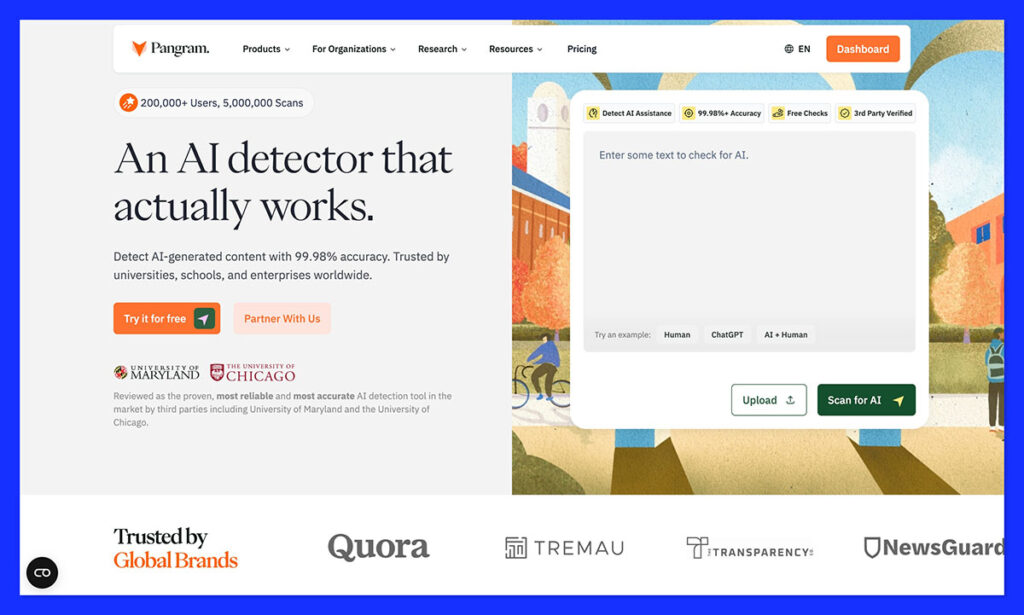
Rating: 4.7
Starting from: Free trial (paid plans based on usage)
Free plan available: Trial only
Best for: Reliable AI detection on student essays
Used by: Educators and higher-ed institutions
A lot of teachers worry about being unable to “detect” when students are using AI, but it’s worth remembering that false positives can be just as damaging. The goal of AI detection isn’t to make everyone nervous, or have your best students constantly question themselves.
Pangram understands that. It gives you a tool, tested and approved by university researchers, that actively works to reduce false positives. Pangram’s false positive rate of 1 in 10,000 ensures human-written content isn’t incorrectly flagged. It also tells you a lot more about how students use AI, looking for pieces generated completely with a GPT, re-humanized AI text, and even AI assistance.
All that, and it integrates with the tools faculty members use already, from LMS systems to Google Docs, so it’s easy to plug into your strategy.
Key Features
- Research-validated detection accuracy
- 99.98% true negative rate (industry-leading false positive protection)
- Detects AI-generated, AI-rewritten, and AI-assisted text
- Integrations with Google Docs, Canvas, and Google Classroom
- Built-in plagiarism detection
Pros
- Extremely low false positive risk
- Comprehensive checking for AI assistance and re-writing
- Flexible integrations
- Backed by independent academic research
Cons:
- Free plan limits you to four credits per month
- Pricing long-term depends on usage
Bottom Line
For teachers who want AI detection they can actually trust, Pangram is a strong choice, especially for essay-heavy courses where accuracy matters more than quick answers about whether something “is AI-generated.”
#2. GPTZero – Best Overall AI Detector for Teachers
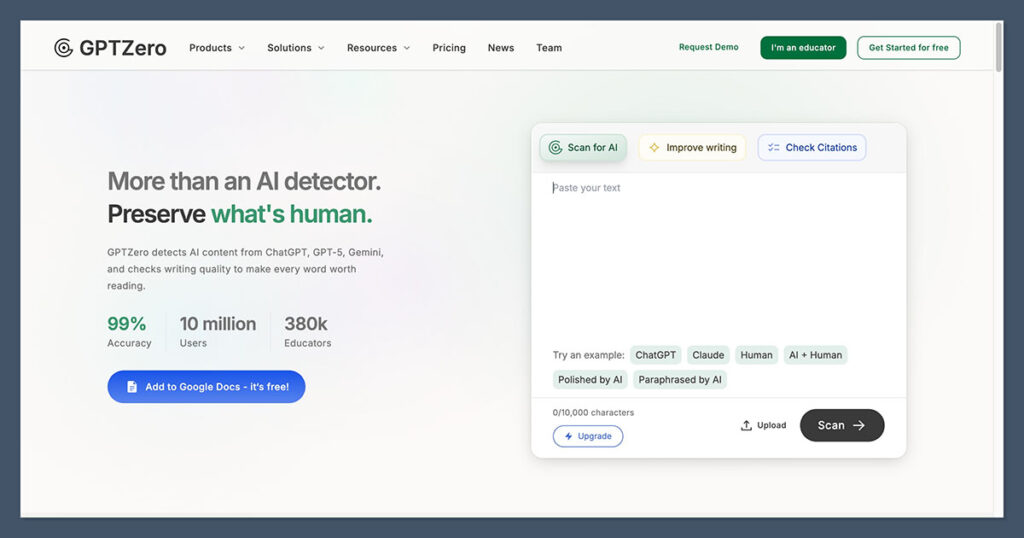
Rating: 4.8
Starting from: Free (Premium: $10/month)
Free plan available: Yes
Best for: Classroom use and sentence-level detection
Used by: Over 2.5 million educators
GPTZero is still the go-to tool for teachers in 2025.
Built specifically for educators, it offers clear AI probability scores, sentence-by-sentence breakdowns, and quick flagging for AI-written content.
Whether you’re teaching in-person or remotely, it’s easy to plug this tool into your grading routine.
Key Features
- Sentence-level detection with highlighted results
- “Average Perplexity” and “Burstiness” scores
- Support for DOCX, TXT, and PDF uploads
- Chrome extension for checking Google Docs
Pros
- Designed specifically for teachers
- Free tier with generous usage
- Simple and fast interface
- No login required for basic use
Cons
- Less reliable on short answers
- Best accuracy requires long-form writing (100+ words)
Bottom Line
If you’re a teacher or tutor dealing with essays and reports daily, GPTZero is the most balanced choice. It doesn’t overcomplicate detection and still manages solid accuracy with clear results.
#3. Copyleaks – Best for Academic Institutions
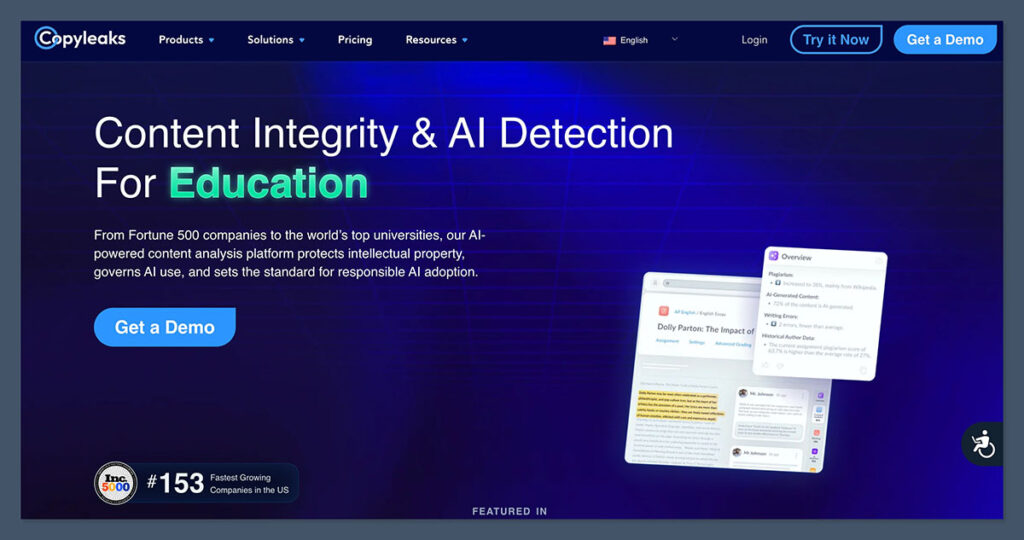
Rating: 4.6
Starting from: $9.99/month
Free plan available: No
Best for: Universities and teachers needing bulk detection
Enterprise integrations: Canvas, Blackboard, Moodle
Copyleaks has become a top-tier AI detector, especially for schools and universities managing large volumes of submissions.
It’s equipped to detect AI content from GPT-4, Gemini, Claude, and even paraphrased results.
Key Features
- Supports over 30 languages
- LMS integration (e.g., Canvas, Blackboard)
- AI + plagiarism detection in one tool
- Detailed reports with scoring per section
Pros
- High detection rates for GPT-4 content
- Enterprise-ready with API access
- Reports that can be exported and archived
- Used by Turnitin for AI detection infrastructure
Cons
- No free version
- Geared more toward institutional use than individuals
Bottom Line
If you’re running a school, tutoring center, or university department and want scale plus security, Copyleaks is the top option. It’s professional-grade software and well worth the monthly price.
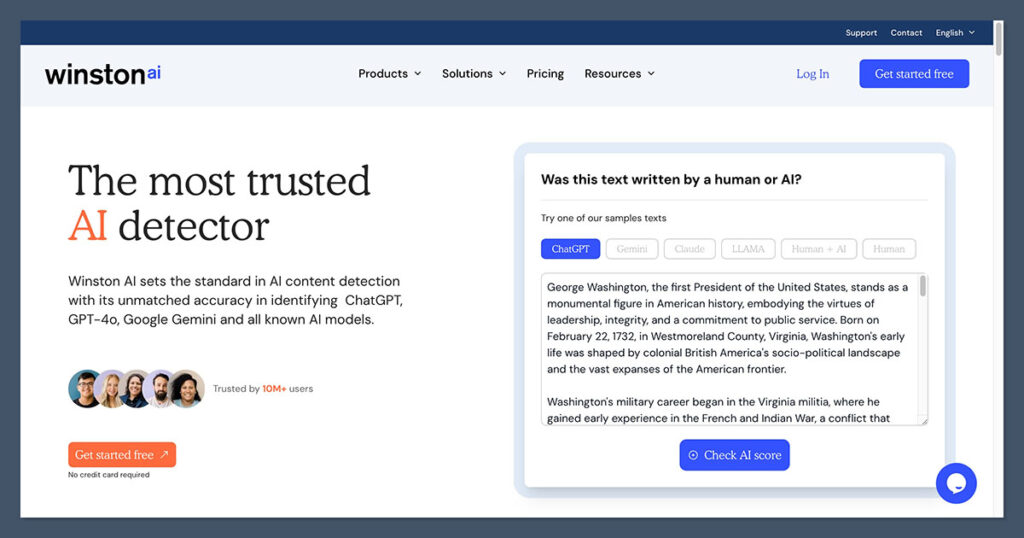
#4. Winston AI – Best for Printed & Scanned Homework
Rating: 4.3
Starting from: $18/month (80,000 words)
Free plan available: No
Best for: Detecting AI in scanned or handwritten homework
Winston AI is designed with teachers in mind.
It’s one of the only tools that lets you scan PDFs, printed assignments, or handwritten uploads and detect whether they contain AI-generated content.
Key Features
- Scan and analyze printed homework
- Sentence-by-sentence detection heatmaps
- Reading level assessments
- Built for educational use
Pros
- Supports document scans (PDF, JPG, PNG)
- Ideal for hybrid or paper-based classrooms
- Easy-to-understand dashboard
- Tracks multiple assignments per student
Cons
- Limited word count on lower plans
- Less suited for real-time checking or bulk scans
Bottom Line
If you’re still accepting paper-based work or scanned PDFs from students, Winston AI offers the best support. It helps bridge the gap between digital and physical learning environments.
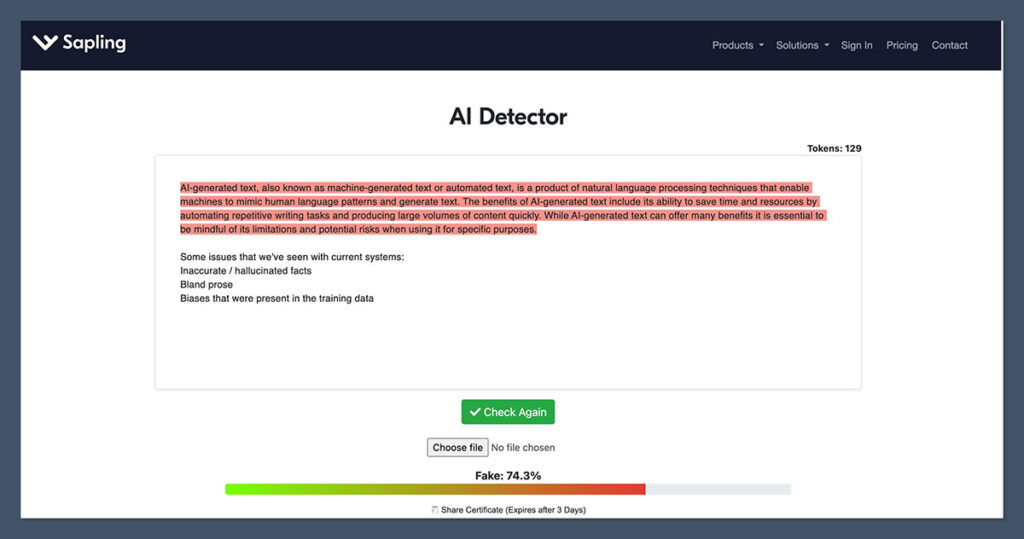
#5. Sapling – Best for Quick Checks on Short Text
Rating: 4.1
Starting from: Free
Free plan available: Yes
Best for: Spot-checking discussion posts or paragraph responses
Sapling AI’s detector isn’t as well known, but it’s one of the few tools that performs well on short content.
Most detectors struggle under 150 words, Sapling does better than average in these cases.
Key Features
- Real-time AI content detection
- Works on short answers, messages, or email-style responses
- Fast and clean interface
Pros
- 100% free
- Very fast checks (under 2 seconds)
- Ideal for spot-checking small submissions
Cons
- Not suited for full-length papers
- Doesn’t offer detailed reports or downloads
Bottom Line
If you’re grading forum posts, discussion boards, or exit tickets, Sapling is a good light tool to have in your workflow. Just don’t rely on it for major assignments.
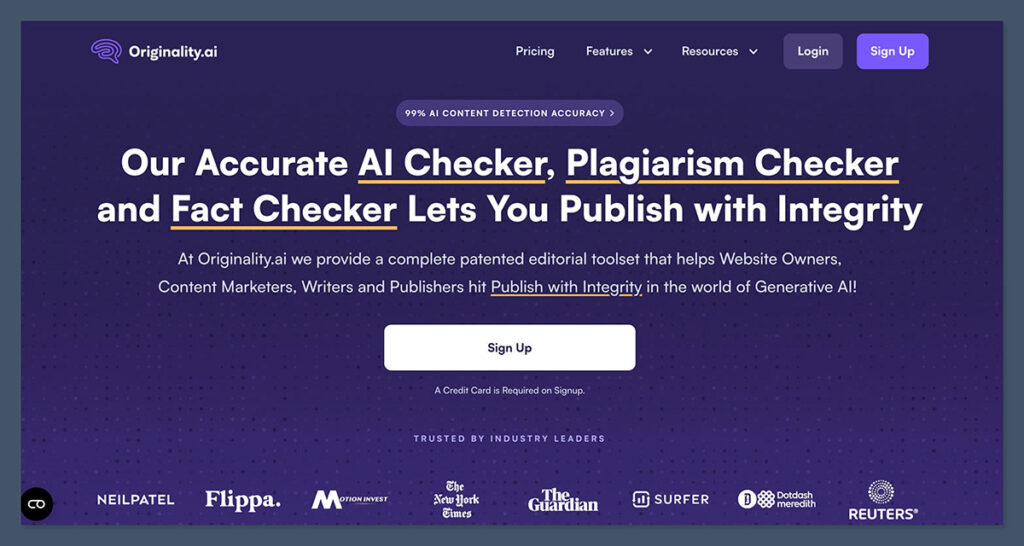
#6. Originality.ai – Best Dual AI + Plagiarism Detection
Rating: 4.0
Starting from: $0.01 per 100 words
Free plan available: No
Best for: Teachers who also blog, write, or freelance
Originality.ai was built for content marketers, but its powerful AI detection engine makes it suitable for education as well.
It’s one of the only tools to offer combined detection for plagiarism and AI in the same scan.
Key Features
- AI and plagiarism detection in one
- Team-based account structure
- Full reports with scoring and highlights
- Browser extension support
Pros
- Low cost per scan
- Detects hybrid (human + AI) writing
- Suitable for blog writing or tutoring business content
Cons
- Doesn’t offer free usage
- More focused on marketing than education
Bottom Line
For tutors and educators who also create learning materials, lesson plans, or blogs, Originality.ai can pull double duty, just be mindful of usage costs.
How We Tested These AI Detectors
We used the following criteria across 12 tools to determine our top 6 picks:
| Criteria | Weight |
|---|---|
| Accuracy | 35% |
| Usability | 25% |
| Transparency | 15% |
| Price and value | 15% |
| Reporting features | 10% |
Each tool was tested with:
- Fully AI-written text (ChatGPT, Claude, Gemini)
- Human-written essays
- Hybrid content (AI draft, human-edited)
- Short and long-form assignments
Our goal was to simulate what real teachers deal with every week, and how well these tools perform in that context.
Which AI Detector Should You Use?
Here’s a breakdown of which tool suits different teaching environments best:
| Use Case | Best Tool |
|---|---|
| Essay-heavy courses where false positives matter | Pangram |
| General classroom detection | GPTZero |
| School-wide, high-volume grading | Copyleaks |
| Grading scanned documents or PDFs | Winston AI |
| Quick checks on short content | Sapling |
| AI + plagiarism dual detection | Originality.ai |
If you’re only going to use one tool, Pangram is the strongest choice for teachers who need results they can trust, especially when essay grades are on the line.
For day-to-day quick checks, GPTZero remains the best free option, and many teachers use two or more detectors to cross-check when results are unclear.
Final Verdict
AI detection in schools is still evolving. No tool is perfect. But that doesn’t mean teachers are powerless.
With the right tools and approach, you can stay ahead of AI misuse while helping students learn how to use these tools responsibly.
My recommendation:
- Use Pangram for essay grading where false positives could harm students
- Use GPTZero for most day-to-day classroom checks
- Add Winston AI if you grade scanned or printed work
- If you’re at a school or tutoring agency, consider investing in Copyleaks
AI writing isn’t going away, but neither is good teaching. These tools can help you keep the classroom fair without creating fear or confusion.