Biology is a demanding subject. Between memorizing complex systems, reading research papers, writing lab reports, and sometimes learning to code, students have a lot to manage.
The good news is, there’s now a growing selection of AI tools that can help make that process easier.
After testing and researching over 20 tools built specifically for biology and academic study, these are the best AI tools for biology students in 2026.
Whether you’re studying for exams, writing reports, working on a research project, or trying to understand a difficult paper, there’s something here for every stage of your degree.
Our Top 5 AI Tools for Biology Students
NotebookLM – Best for turning your own notes into quizzes and flashcards
Elicit – Best for summarizing research papers and finding studies
scite – Best for checking if a paper is reliable or has been contradicted
BioRender – Best for creating clean biology figures and diagrams
RemNote – Best for spaced repetition and long-term memorization
Quick Comparison
| Tool | Best For | Starting Price | Free Plan Available | Highlight Feature |
|---|---|---|---|---|
| NotebookLM | Flashcards from notes | Free | Yes | Grounded answers from your files |
| Elicit | Research paper summaries | Free | Yes | Structured literature review support |
| scite | Citation reliability checks | $8.99/month | Yes | Smart citation context and tracking |
| BioRender | Figures for lab reports | $15/month | Limited free version | AI-generated scientific diagrams |
| RemNote | Long-term memorization | $6/month | Yes | Spaced repetition flashcard system |
#1. NotebookLM: Best for Personalized Study Materials
Price: Free
AI features: Yes (document-grounded responses)
Best for: Lecture-based learning, review, and revision
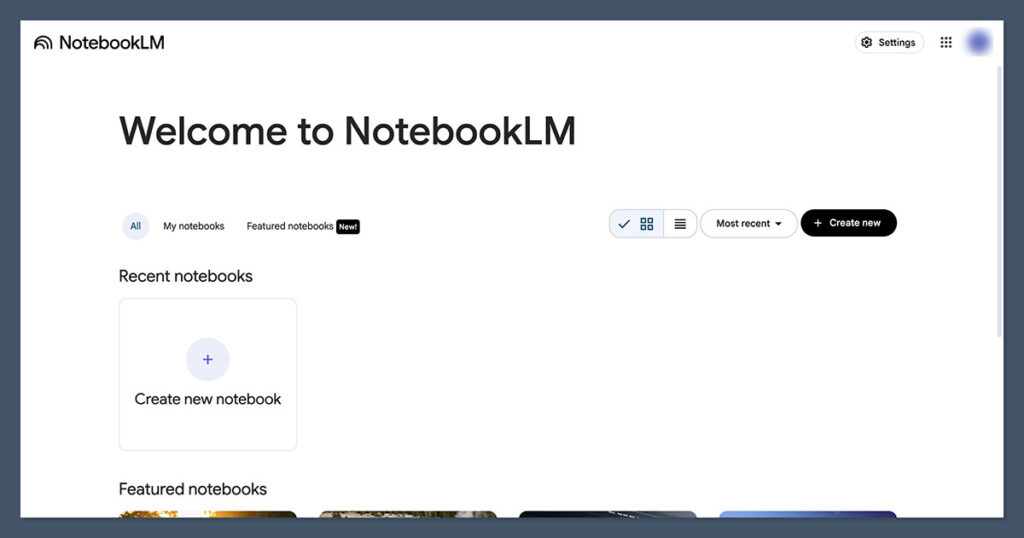
NotebookLM, developed by Google, is one of the most useful AI tools I’ve used for studying biology.
It allows you to upload lecture slides, PDFs, and textbook notes, then automatically generates flashcards, summaries, and quiz questions. You can also ask it direct questions and get answers that stick to the source material you uploaded.
Pros
- Creates custom study materials from your documents
- Grounded responses that reduce the risk of hallucination
- Easy to use with a clean interface
- No cost, no subscription
Cons
- Only works with your uploaded files
- Limited integration with external research tools
Bottom Line
NotebookLM is ideal for students who want to turn their notes into something interactive. If you’re preparing for exams or want a more active study experience, this tool is one of the best available and doesn’t cost anything to use.
#2. Elicit: Best for Finding and Understanding Research Papers
Price: Free
AI features: Yes (literature review assistant)
Best for: Research assignments, literature reviews, and academic reading
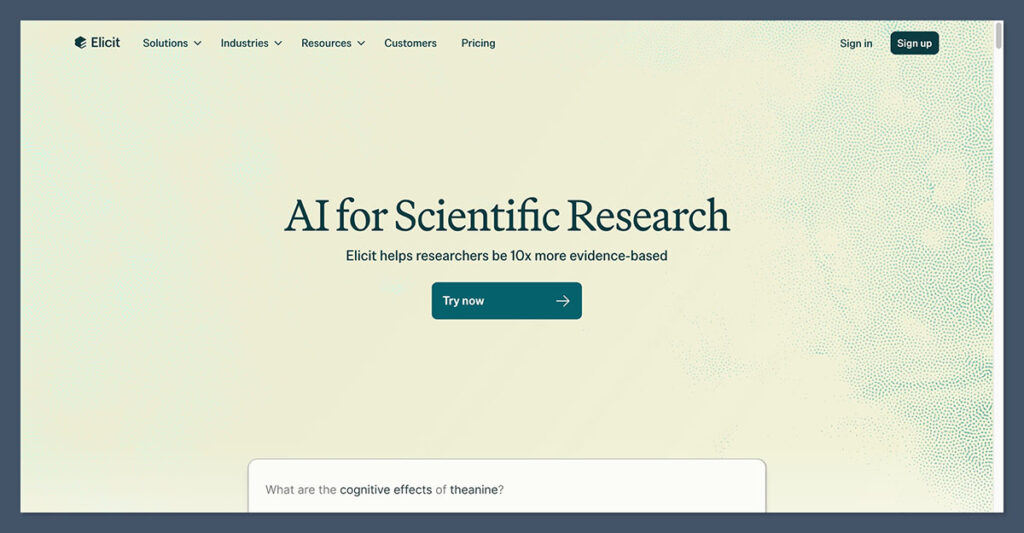
Elicit uses AI to help you search for academic papers and organize your findings. Rather than giving you a list of results like a search engine, Elicit pulls out the key points from each paper and presents them in a table.
You’ll see study details like methods, sample sizes, and outcomes side-by-side, making it much easier to compare papers.
Pros
- Saves time on literature reviews
- Structured comparison of studies
- Free to use with no sign-up required
- Great for early research and sourcing evidence
Cons
- Works best with more specific research questions
- Doesn’t always include the latest publications
Bottom Line
Elicit is a time-saver if you’re writing a report or literature review. It helps you quickly find and understand what the research actually says, instead of just collecting links and abstracts.
#3. scite: Best for Verifying Scientific Sources
Price: Starts at $8.99/month
AI features: Yes (smart citation analysis)
Best for: Research integrity, paper reliability, and sourcing
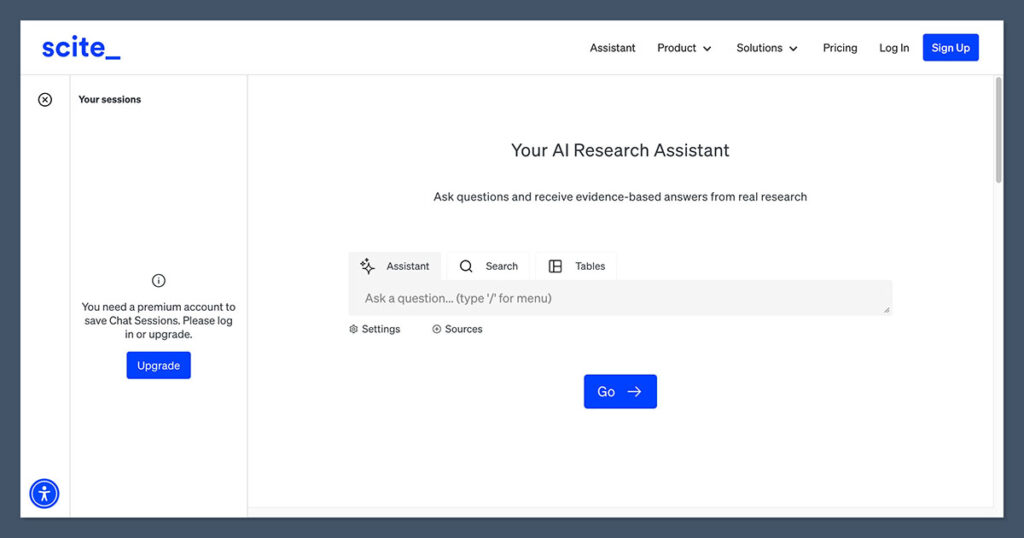
scite is an AI-powered tool that tells you whether a study has been supported, contradicted, or simply mentioned by other papers.
It’s especially useful for double-checking sources before you cite them in a report or essay. scite shows the context of each citation, so you can see if the reference supports the paper’s claim or disagrees with it.
Pros
- Identifies whether a paper has been refuted
- Adds context to citations
- Helps prevent using outdated or disproven studies
- Integrates well with tools like Zotero
Cons
- Limited features on free plan
- Can be overkill for basic assignments
Bottom Line
scite is an essential tool if you want to cite strong sources. It helps you avoid the common mistake of relying on a paper that looks important but has been heavily disputed since publication.
#4. BioRender: Best for Biology Figures and Lab Reports
Price: $15/month (student pricing)
AI features: Yes (diagram generation from text)
Best for: Creating scientific diagrams, lab presentations, posters
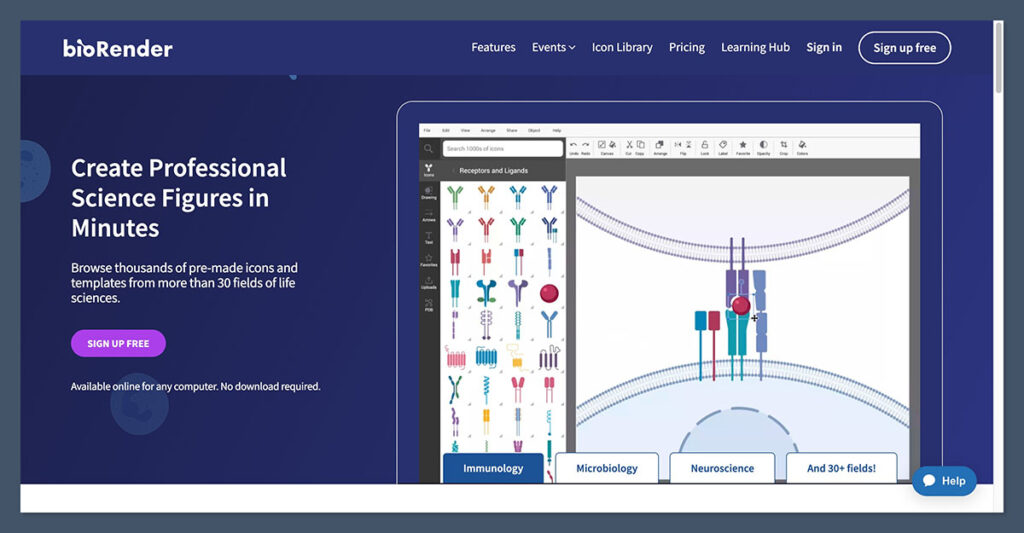
BioRender is used by students and professionals to create biology figures that look like they belong in a published journal.
The platform includes thousands of icons and templates, and their new AI assistant can generate figures based on short text prompts. Whether you’re making a pathway diagram or illustrating your lab methods, BioRender makes the process fast and polished.
Pros
- Templates designed for biology
- High-quality visuals for publications and posters
- Time-saving AI features
- Educational pricing available
Cons
- Paid plan required for exporting high-resolution files
- May require a learning curve for more complex visuals
Bottom Line
If you’re working on a research presentation, thesis, or poster session, BioRender is the best tool for creating clean, clear visuals without using PowerPoint or drawing from scratch.
#5. RemNote: Best for Long-Term Memorization
Price: Free basic plan, $6/month for Pro
AI features: Yes (AI-generated flashcards and notes)
Best for: Spaced repetition, memorizing complex systems and pathways
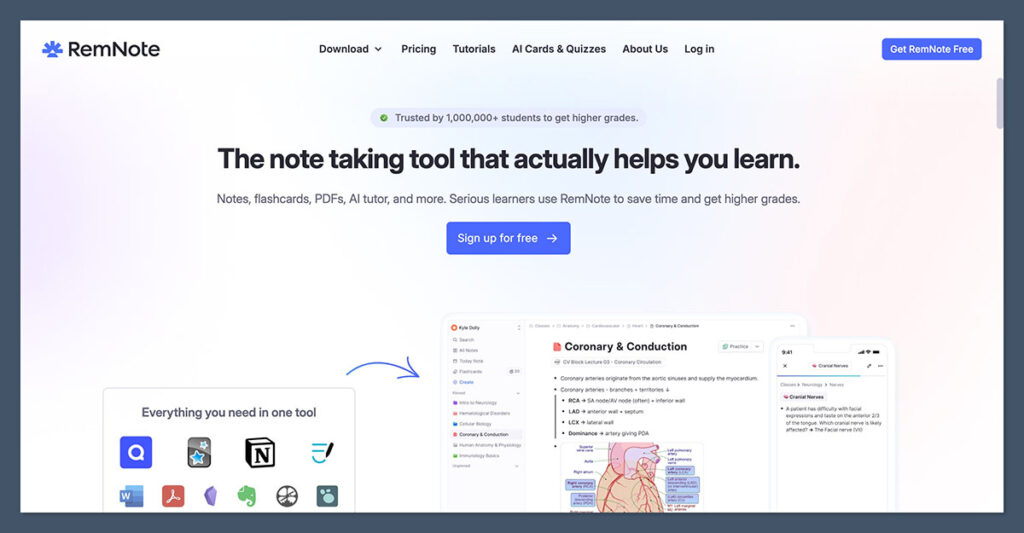
RemNote combines note-taking and spaced repetition into a single platform.
As you write notes or annotate documents, it automatically turns those highlights into flashcards. It also includes a memory scheduling algorithm to help you retain the information for exams or long-term learning.
Pros
- Built-in spaced repetition
- Custom flashcards from your notes
- PDF annotation with card creation
- Ideal for memorizing biology vocab, systems, and terms
Cons
- Less intuitive than tools like Quizlet
- Not ideal for group collaboration
Bottom Line
If you’re studying biology topics that require memorization (like anatomy, physiology, or genetics )RemNote is a top choice. The repetition system is backed by learning science and makes revision more efficient over time.
Other Great AI Tools for Biology Students
Here are more AI tools worth exploring based on your coursework, research, and study habits.
| Tool | Use Case | Free Plan | Notes |
|---|---|---|---|
| Quizlet | Flashcards from notes | Yes | Magic Notes uses AI to generate study materials instantly |
| SciSpace Copilot | Explain complex scientific papers | Yes | Upload a PDF and get live explanations, including for tables and data |
| Scholarcy | Turn papers into summaries | Yes | Useful for screening and reviewing large documents |
| ResearchRabbit | Track new papers and research trends | Yes | Builds a visual map of related studies |
| Connected Papers | Visualize research topics | Yes | Quickly see the “big picture” of a new topic |
| Benchling AI | For lab notes and experiment logging | Yes | Available to academic users by request |
| AlphaFold Server | Protein structure predictions | Yes | Great for structural biology coursework |
| ColabFold | Run structure predictions via Colab | Yes | Based on AlphaFold2, more accessible setup |
| Readwise Reader | Summarize readings and highlight key ideas | Yes | Helpful for organizing academic articles and textbook chapters |
| GitHub Copilot | Help with coding for analysis | $10/month | Writes, explains, and corrects Python or R code in notebooks |
Summary: Which Tool Should You Use?
If you’re unsure where to begin, start with one or two tools that align with your current goals.
- For exam prep and memorization, try NotebookLM or RemNote
- For reading and reviewing research, start with Elicit, scite, or SciSpace
- For visuals and presentations, explore BioRender
- For coding or data analysis, test GitHub Copilot if your course includes programming
- For protein structure work, check out AlphaFold Server or ColabFold
No matter where you are in your biology degree, the right AI tools can make your studies more efficient, more focused, and less overwhelming.
Each of these platforms has been built with specific academic challenges in mind, from organizing notes and building knowledge to handling data and interpreting complex papers.
By choosing tools that match how you work and what you need right now, you can stay ahead without burning out.