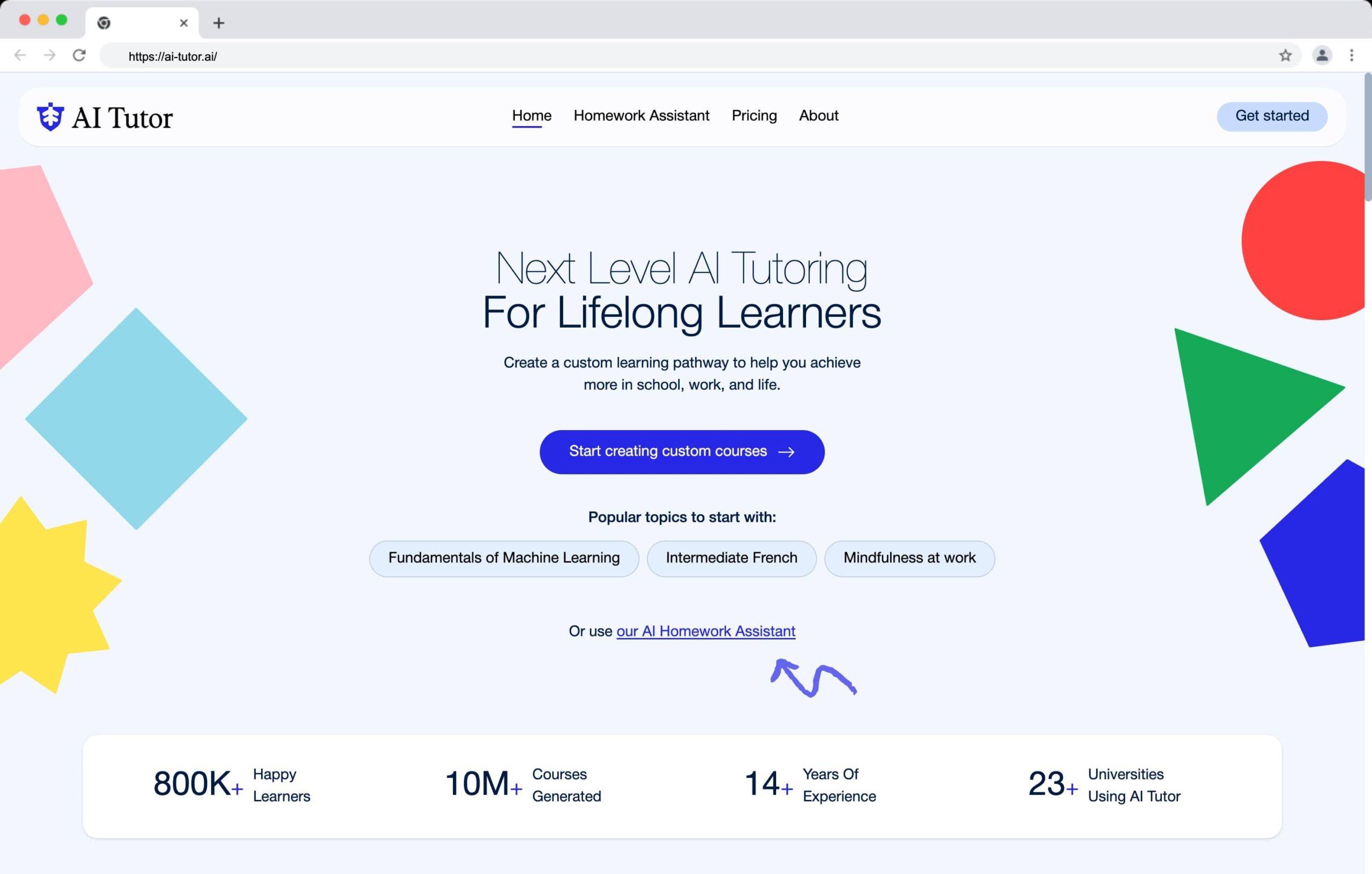
Teachable has been around long enough to build a solid reputation, but “solid” doesn’t automatically mean the right fit for your Al tutoring business. It’s beginner-friendly, the setup is fast, and it handles payments well — but it also has real limitations that reviewers tend to gloss over.
I’ve spent time testing the platform and digging through what actual users say after the honeymoon period.
This review covers the pricing honestly (including the fees that don’t show up in the headline numbers), the features that hold up, and the ones that don’t — so you can make a call based on how Teachable actually performs, not how it’s marketed.
⚡ Quick Verdict
- Best for: Solo AI tutors and small course businesses who want to get online fast with minimal technical setup.
- Biggest strength: Genuinely easy course creation, clean checkout, and built-in tax/VAT handling.
- Biggest weakness: Transaction fees on lower plans, limited engagement tools, and customer support that frustrates smaller users.
- Pricing: Free tier available; paid plans vary — check the current pricing page for the latest numbers after Teachable’s mid-2025 restructure.
- Verdict: A strong pick if simplicity is your priority. Not ideal if you need community features, deep analytics, or advanced course interactivity.
Teachable Pros & Cons
✅ What I Like
- Very easy course creation — one of the fastest setups I’ve tested for non-technical creators
- Flexible product types: courses, downloads, coaching, bundles, and memberships all under one roof
- Built-in checkout handles tax, VAT, and global payments so you don’t need a third-party cart
- One-click interface translations into Spanish, French, Portuguese, and more — useful for AI tutoring content targeting international learners
- Steady product updates that genuinely improve the platform rather than just cosmetic tweaks
❌ What I Dislike
- Transaction fees on lower-tier plans can eat into margins, especially for high-volume, low-price courses
- Limited site customization — you can’t build rich landing pages the way you can on all-in-one platforms
- Engagement tools (quizzes, gamification, community) lag well behind specialist LMS platforms
- Support quality is a recurring complaint, particularly for smaller accounts expecting responsive help
- Admin interface quirks — slow page loads, awkward lesson cloning, unintuitive saving behavior — show up regularly in reviews
My Experience With Teachable
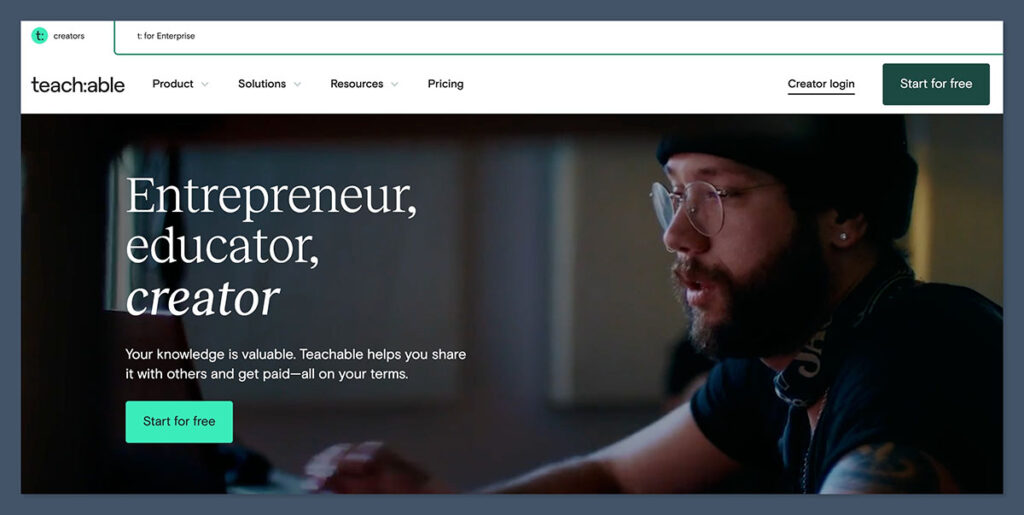
Getting started with Teachable is refreshingly painless. You don’t need a credit card to sign up — just an email address and a few clicks. The onboarding flow asks basic questions about your business type and what you plan to sell, then drops you straight into your dashboard.
🧪 Author’s Testing Notes
The onboarding is functional but thin. Unlike platforms that use your setup answers to pre-configure your site or suggest relevant templates, Teachable’s questions don’t appear to shape your experience in any visible way. For AI tutoring creators who want a fast, guided path to their first product, this is a small but noticeable miss.
Once inside, Teachable prompts you to build your first product immediately — courses, coaching packages, digital downloads, or memberships. The curriculum builder is drag-and-drop, and adding video lessons, text blocks, quizzes, and downloadable resources is fast. For an AI tutoring use case, you can structure a course around modules (say, “Intro to Prompt Engineering” or “AI Tools for Students”) with lesson previews enabled so potential buyers can sample your content before purchasing.
How I Built a Course
Adding content to Teachable is one of its genuine strengths. The curriculum builder handles video, audio, text, PDFs, and quizzes in a straightforward drag-and-drop interface. You can mark individual lessons as public previews — a useful feature for AI tutoring courses where a free sample lesson can drive enrollment.
The 2024–2025 updates improved the product catalog pages and gave creators better control over how their school appears to students browsing for courses. The mobile learning experience has also improved, which matters when a chunk of your AI tutoring audience is learning on their phones.
🧪 Author’s Testing Notes
Quizzes are functional but basic. If your AI tutoring curriculum relies on knowledge checks, scenario-based questions, or interactive exercises, you’ll hit Teachable’s ceiling fast. There’s no adaptive learning, no SCORM support, and text formatting in quizzes is described as limited by multiple power users. For a lightweight course — a recorded walkthrough of AI tools, say — it’s fine. For anything more pedagogically ambitious, look at LearnWorlds.
How Much Does Teachable Cost?
Teachable restructured its pricing in mid-2025. The current lineup includes a free tier plus several paid plans, with annual billing discounts available. Here’s how the economic model breaks down in practice:
- Free plan: Limited products and students, Teachable branding on your school. Useful for testing an offer, but the per-sale fees make it costly if you’re selling volume.
- Entry-level paid plan: Transaction fees apply (recent analyses cite around 7.5% per sale on the lowest tier). Affordable to start, expensive to scale.
- Mid-tier / “Pro” plan: Transaction fees drop to zero. Most independent reviewers point to this as the sweet spot for growing creators — it unlocks the key features without the per-sale penalty.
- BackOffice add-on: If you use Teachable’s payout and affiliate management service, there’s an additional ~2% fee per transaction plus a fixed chargeback fee (around $15 USD). Worth knowing before you commit.
💡 Top Tip
If you’re serious about AI tutoring as a business, don’t start on the free plan. Run the numbers on your expected monthly revenue and transaction volume first — then compare the mid-tier plan cost against what you’d pay in transaction fees at the entry level. Most creators break even (or come out ahead) by upgrading sooner than they expect.
Compared to all-in-one platforms like Kajabi, Teachable is cheaper at entry level. But once you factor in transaction fees, BackOffice fees, and the external email marketing tool you’ll probably need, the total cost starts to look more comparable. Several reviewers also argue that LearnWorlds delivers more advanced engagement features at a similar overall price point.
Teachable’s AI and Automation Features
For an AI tutoring platform, this section matters more than usual — and Teachable has been moving here.
Recent updates introduced AI assistants designed to speed up course creation: drafting quiz questions, generating study guides, and building course outlines. There’s also a newer “MCP Server” concept that lets creators connect large language models directly to their school data, which opens up some interesting possibilities for personalized student support or automated content repurposing.
📝 What the Reviewers Think
These AI tools are genuinely useful for content creation workflows — drafting a quiz for a new AI concepts module in seconds beats writing it from scratch. But power users consistently note that Teachable’s native AI features are a starting point, not a full workflow. Most serious creators still lean on external AI tools (ChatGPT, Claude, Gemini) for heavy content work and use Teachable’s AI features for quick edits and drafts.
Selling Your AI Tutoring Courses
Product and Pricing Flexibility
Teachable supports one-time purchases, payment plans, subscriptions, and coupons — all configurable per product. For AI tutoring, this means you can sell a standalone “Intro to AI Tools” course for a flat fee, bundle it with a coaching package, and offer a discounted membership for ongoing learners. Multiple price points per product are supported, which gives you room to test different offers without rebuilding your catalog.
Checkout and Payments
Teachable Payments handles the checkout experience end-to-end, including tax and VAT collection across global markets. If you’re selling AI tutoring courses internationally — and many creators in this niche are — this removes a significant administrative headache. Order bumps and upsells are available on higher plans, giving you tools to increase average order value at the point of purchase.
Email and Marketing
Teachable’s built-in email capabilities cover the basics: purchase confirmations and limited broadcast emails. That’s it. For anything approaching a real email marketing strategy — automations, segmented campaigns, behavioral triggers — you’ll need an external tool like ConvertKit or Mailchimp connected via Zapier. This is a real gap for AI tutoring creators who rely on nurture sequences to convert free-content followers into paying students.
SEO
Teachable gives you control over meta titles and descriptions for your school and product pages. It’s functional but not deep. If organic search is a meaningful part of your AI tutoring content strategy, you’ll want to supplement with a standalone blog or external site — Teachable’s blogging and SEO capabilities are limited compared to full website builders.
Student Experience
The course player is clean and modern. Students get a clear curriculum view, progress tracking, and a visually appealing interface that doesn’t feel dated. The one-click language translations — currently Spanish, French, and Portuguese, with more promised — reduce friction for AI tutoring creators serving multilingual audiences.
Completion certificates are available on higher plans. Community features, though, are minimal — there’s no native discussion board or cohort-learning experience. If peer learning or live Q&A sessions are part of your AI tutoring model, you’ll be routing students to an external community platform like Discord or Circle.
Teachable’s Customer Support
Support is the most consistent pain point in Teachable reviews, and it’s worth being direct about. Smaller accounts regularly report slow response times and a reliance on self-serve documentation over live help. There’s a Help Center with articles and guides, but it doesn’t fully compensate for the limited live support access on lower plans.
If you’re running a lean AI tutoring operation and hit a billing issue or a technical problem mid-launch, the support gap can be genuinely stressful. This is one area where Teachable’s larger competitors — particularly those with 24/7 live chat — have a clear advantage.
How Does Teachable Compare to Competitors?
| Aspect | Teachable | All-in-one (e.g., Kajabi) | Feature-rich LMS (e.g., LearnWorlds) |
|---|---|---|---|
| Primary strength | Fast, simple course selling under your brand | Integrated marketing, funnels, and CRM | Deep engagement features and learning tools |
| Ease of use | Very high for non-technical creators | Moderate — more powerful but more complex | Moderate — more settings to configure |
| Pricing structure | Lower entry price but transaction + BackOffice fees on some tiers | Higher flat subscriptions, few per-sale platform fees | Similar subscriptions; often no per-sale fees, but paid add-ons |
| Engagement tools | Basic quizzes; no native gamification or community | Better communities and automations; not full LMS depth | Strong assessments, certificates, and gamification |
| AI tutoring fit | Good for recorded content; limited for interactive or cohort-based learning | Better for building a full content-and-funnel business | Best for pedagogy-focused creators who prioritize learner analytics |
| Best for | Solo creators and small course businesses wanting simplicity | Creators building a full content and funnel business on one system | Educators who prioritize pedagogy, engagement, and learner analytics |
Who Is Teachable Best For?
✅ Great fit
- Solo AI tutors launching their first paid course
- Creators who want fast setup over deep customization
- Educators selling internationally who need tax/VAT handled automatically
- Small course businesses running courses, bundles, and memberships together
❌ Poor fit
- Creators who need native community features for cohort learning
- Enterprise training teams needing SCORM, xAPI, or granular reporting
- Price-sensitive creators on thin margins who can’t absorb per-sale fees
- Brands needing highly customized sites or complex marketing funnels
Teachable Review: Methodology
This review draws on hands-on testing of the Teachable platform, aggregated user sentiment from B2B review platforms (Capterra, G2, Software Advice), independent pricing analyses from third-party researchers, and Teachable’s own published product update logs for 2024–2025. Where relevant, we cross-referenced claims against current support documentation and competitor positioning.
| Criteria | Weight |
|---|---|
| Course creation & content tools | 25% |
| Pricing & fee structure | 20% |
| Student experience | 20% |
| Sales & marketing features | 15% |
| Help & support | 10% |
| AI & automation capabilities | 10% |
Frequently Asked Questions
Is Teachable good for AI tutoring courses?
Yes, with caveats. Teachable is an excellent platform for delivering recorded AI tutoring content — video lessons, downloadable resources, and structured modules are all well-supported. Where it falls short is in interactive or community-driven learning experiences. If your AI tutoring model relies heavily on student discussion, live sessions, or adaptive quizzing, you’ll likely outgrow Teachable’s engagement tools.
Does Teachable charge transaction fees?
It depends on your plan. Entry-level paid plans include a percentage-based transaction fee per sale (around 7.5% on the lowest tier as of mid-2025). Higher-tier plans remove platform transaction fees entirely — you’ll still pay standard payment processing fees. If you’re using Teachable’s BackOffice add-on for payouts and affiliates, there’s an additional ~2% fee on top.
Can I sell AI tutoring courses internationally on Teachable?
Yes. Teachable Payments supports global currencies and handles VAT and sales tax collection automatically. The one-click interface translations (Spanish, French, Portuguese, with more in progress) also reduce friction for international students. It’s one of Teachable’s stronger selling points for creators with a global audience.
How does Teachable compare to LearnWorlds for online courses?
LearnWorlds generally offers more advanced engagement features — better assessments, stronger gamification, and deeper learner analytics — at a comparable overall cost. Teachable wins on ease of use and faster setup. If your priority is getting a course live quickly with minimal configuration, Teachable is the easier path. If you need a richer learning experience out of the box, LearnWorlds is worth the extra setup time.
What’s the best Teachable plan for a new creator?
Most independent reviewers point to the mid-tier or “Pro” plan as the sweet spot. The free plan and lowest paid tier carry transaction fees that can significantly cut into revenue on higher-volume or lower-priced courses. Moving to the mid-tier removes those fees and unlocks the features that actually help you grow — making it the more economical choice once your course is generating consistent sales.
Final Verdict
Teachable earns its reputation as one of the easiest platforms for getting an online course live. For AI tutoring creators who want to focus on teaching rather than tech, it removes a lot of friction — clean checkout, built-in tax handling, solid course player, and steady product improvements that genuinely move the needle.
The trade-offs are real, though. Transaction fees on lower plans are punishing for high-volume sellers. The engagement toolkit is thin for anyone who needs more than basic quizzes. And support — especially for smaller accounts — falls short of what you’d expect from a platform at this price point.
If you’re an AI tutoring creator launching your first paid course or running a lean catalog of digital products, Teachable is a strong, reliable choice. If you’re building a community-driven learning experience or scaling aggressively, take a serious look at LearnWorlds or an all-in-one platform before committing.
⭐ Overall Rating: 4.1 / 5
Teachable is a polished, creator-friendly platform with strong payments and consistent product evolution. Recommended for solo creators and small course businesses who value simplicity. Not the best fit for pedagogically complex or community-first learning experiences.