I don’t think anyone should trust AI detectors completely. They can be helpful, definitely, but they’re not foolproof, no matter how high they claim their accuracy score is. Still, I think it’s fair to say that academic groups (universities and colleges in particular), should be especially cautious.
Yes, you need to know if students are actually doing the work or recruiting ChatGPT to write their essays for them, especially since some reports found that 95% of students use AI in some way. What you don’t want to do is accuse someone of relying on an LLM more than they really did.
That kind of accusation can ruin a person’s future.
So when I set out to find the best AI detectors for colleges and universities, I was keeping that in mind. I wanted to find tools that could accurately spot dangerous, or unethical AI use, without forcing teachers to become overly suspicious of every assignment they read.
The Best AI Detectors for Colleges and Universities
This list is short because just about any tool (and a lot of humans) can spot an obvious GPTism at this point. If you’re looking for an AI detector as a teacher or the head of an AI institution, you need something with nuance. Something that works with the tools you already use, gives you insights you can really use, and ideally, doesn’t throw false positives at you every two minutes.
| Tool | Best for | Supporting Evidence |
|---|---|---|
| Pangram | Best overall | Lowest false-positive rates, independently verified by real universities, capable of identifying fully-AI-written and AI assisted work, LMS integrations, and institutional licensing |
| Turnitin | Universities already using it | Already connected to many admissions workflows, supports plagiarism detection, and can flag paraphrased AI content |
| GPTZero | Quick faculty and student checks | Affordable and easy to use, FERPA-compliant, plagiarism detection included, and allows for hybrid human-AI detection |
| Copyleaks | Multilingual and enterprise checks | 30+ detection languages, LMS integrations, strong accuracy claims, and API support |
1. Pangram: Best AI Detector for Colleges and Universities Overall
Starting price: Free plan, paid from $20/month, plus institutional licensing (contact for pricing)
AI & Plagiarism Detection: Yes
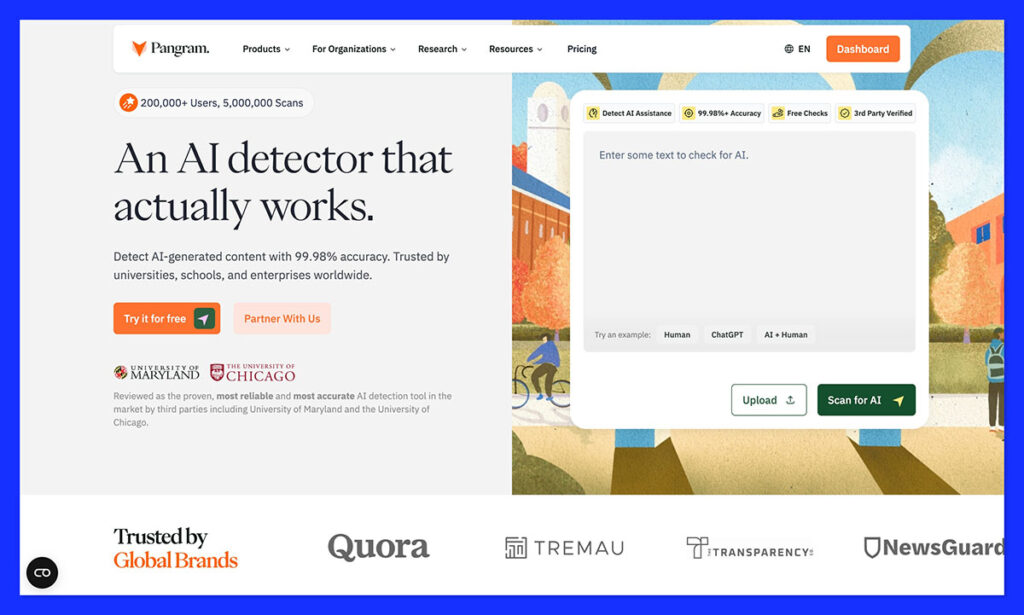
Pangram is by far the AI detector I trust most for colleges, universities, and just about anyone in higher education. That’s not just because it has high accuracy scores either. It’s because it doesn’t seem desperate to accuse everyone of depending too much on LLMs.
The false positive rate for this tool is one of the lowest in the industry, and it’s been independently verified by actual universities, like the University of Maryland and Chicago. They both said it made very few mistakes in tests against human and AI-written text.
Feature-wise, Pangram also feels better-built for classrooms than most solutions. There are LMS integrations for things like Google Classroom and Canvas. There are also options for Google Docs and Chrome extensions for less formal submissions.
Plus, you get plagiarism detection alongside AI analysis. The AI evaluation can show you which parts of a piece of text are human-written, entirely AI-written, or just assisted by AI.
That’s extremely helpful if you just want a quick look at whether certain students might be relying on something like ChatGPT a bit too much for research, rather than getting the bot to write their assignments for them.
Pros:
- Lowest false-positive rate on this list
- Verified and independently tested by universities
- Checks for AI assistance as well as full AI content
- LMS integrations available
- Works with Google Docs, Chrome, and various file types
- Doesn’t train the model on student data
Cons:
- The free plan won’t be enough for most higher-ed groups
- May struggle with shorter samples
2. Turnitin: Best for Institutions Already Using It
Starting price: Institutional pricing
AI & Plagiarism Detection: Yes
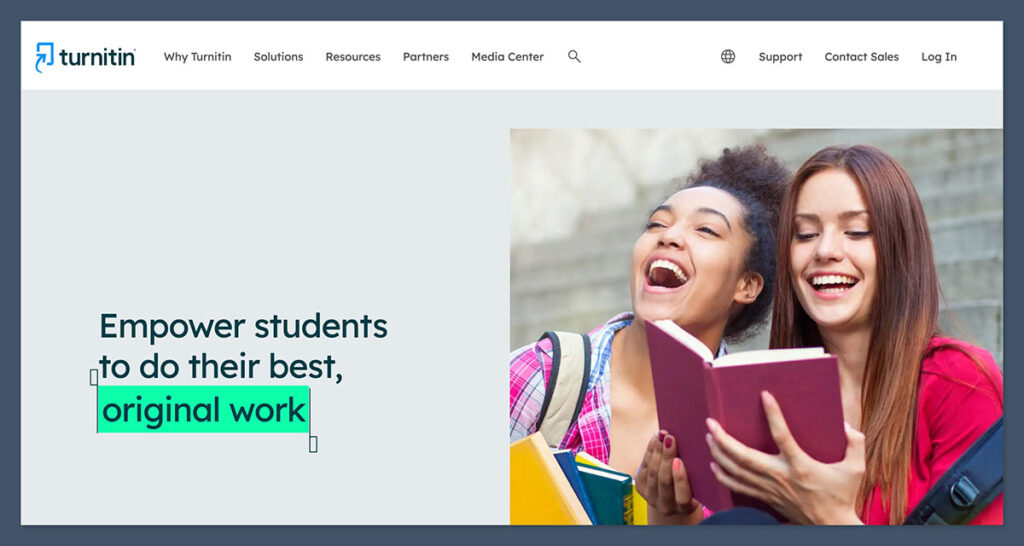
A lot of colleges and universities are already using Turnitin for essay and assignment submissions already. It’s the tool that helps educators first check for plagiarism, by comparing content to previously-written papers, websites, books and academic journals, then determine whether AI had too much of a hand in forming the final result.
Even students can use this tool to check drafts for accuracy, review their work, and fix unintentional plagiarism problems before they hand their work in. That’s the big advantage of this platform, it already feels naturally embedded into the education world.
The AI detection features are reasonably impressive too. Turnitin can scan up to 30,000 words at once, and separate AI-generated from AI-paraphrased text. It can also check if text has been altered by paraphrasers or “bypasser” tools. That really helps if you know your learners have a habit of trying to “humanize” their content before submitting it.
The problem is the false positive rate. Turnitin says it’s average false positive rate is less than 1%, but external independent tests show an average score of about 4% at the sentence level. Plus, the system particularly struggles with formal academic and ESL writing, which is an issue.
Pros:
- Used in a lot of academic workflows already
- Great for plagiarism checks
- AI paraphrasing and bypasser detection
- Great for longer essays, and formal submissions
- Easy to use, even for students
Cons:
- Institutional pricing can be expensive
- Not great for testing shorter amounts of text
- Problematic false positive rates
3. GPTZero: Best Free Starting Point for Faculty and Students
Starting price: Free plan available
AI & Plagiarism Detection: Yes
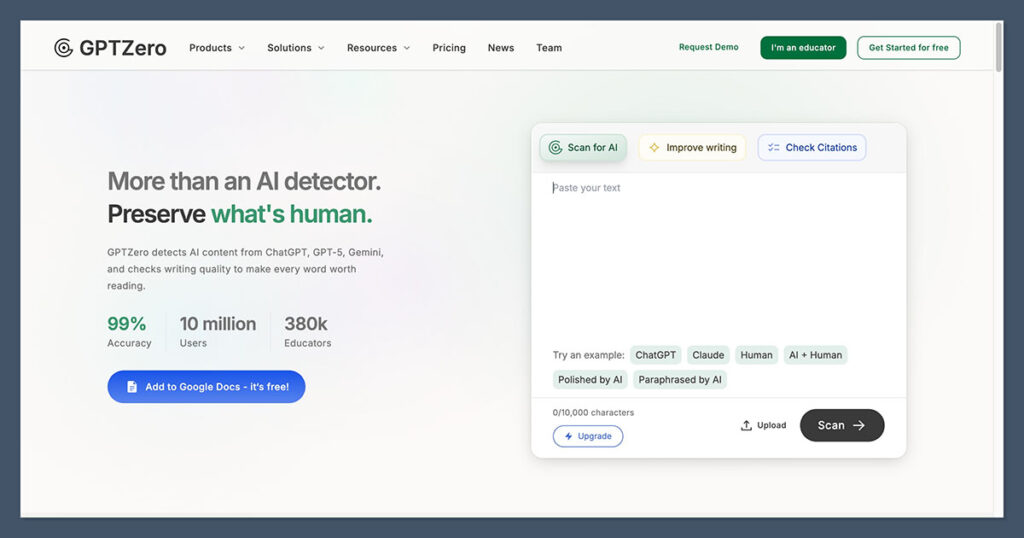
I’ve used GPTZero quite a lot in the last few years, mostly because it’s one of the more affordable and accessible options around. Clearly, educators like this tool too, as GPTZero claims that more than 380,000 teachers use the platform regularly.
The features are definitely useful for academic workflows. You get document, sentence, and word-level analysis, full writing reports, plagiarism checks, and citation checks alongside your AI analysis. The system also works with tools like Chrome, Google Docs, Google Classroom, and Canvas, or there’s an API option if you need it.
With the free plan, you get up to 10,000 scanned words per month, which could make this tool ideal for students and individual faculty members who just want a second opinion on a handful of essays. It also has a very high accuracy score for unaltered text, and deep batch processing options on paid plans. Plus, it’s FERPA-compliant.
Still, the false positive rates with GPTZero can be very high, and it can throw out false negatives too, particularly when students edit or paraphrase their work. I’d use it for quick spot checks, but I wouldn’t trust it as much as something like Pangram.
Pros:
- Very generous free plan for beginners
- Easy for students and teachers to use
- Sentence and world-level analysis
- Useful integrations and Chrome extension
- Writing reports to help with process evidence
Cons:
- Very high false positive scores
- Weaker on rewritten or edited AI text
- Plagiarism checks could be better
4. Copyleaks: Best for Multilingual and Institutional Checks
Starting price: Credit-based, with institutional options
AI & Plagiarism Detection: Yes
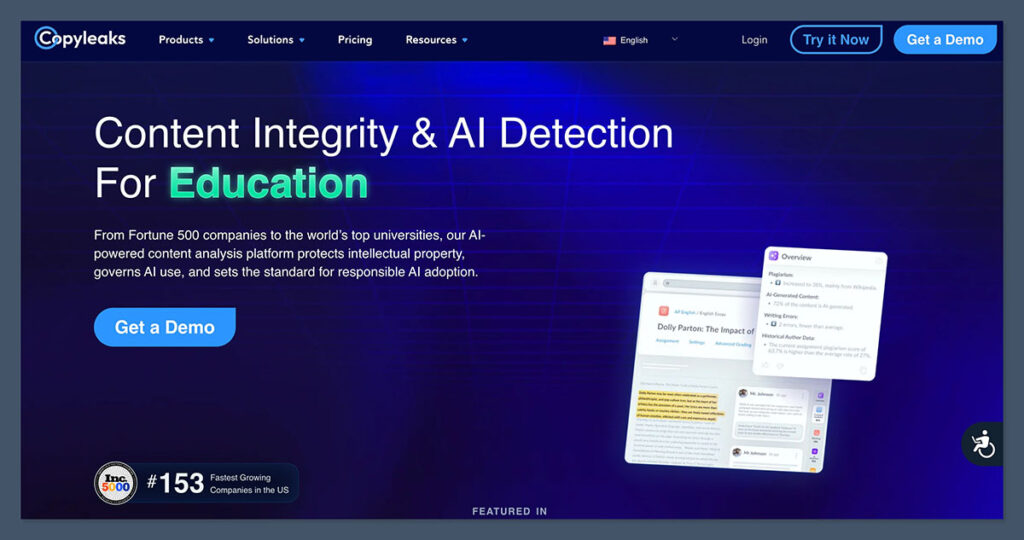
Copyleaks seems like the ideal option for educators who need to check a lot of content quickly, from a wide range of students potentially writing in different languages. It can detect AI in more than 30 languages (a lot more than most of the alternative options can handle). It also supports plagiarism detection in more than 100 languages.
The accuracy claims are pretty impressive (around 99% on average), but I’d treat those claims with a little scepticism, as different tests can deliver different results. For instance, Copyleaks isn’t nearly as good at Pangram when it comes to identifying AI elements in edited or paraphrased text.
It also has a higher false positive score than options like Pangram, and can sometimes flag something as AI even if it’s just been cleaned up with the help of a spelling or grammar tool like Grammarly. That can be a real problem, since there’s really nothing wrong with students just checking for spelling errors with a handy tool.
Still, it does have a lot of useful features for educators, like the Canvas plugin that lets you add AI and plagiarism detection, alongside grammar reports into a single workflow. It also checks for image-based plagiarism, and AI generated code.
I’d choose this tool if you’re looking for a simple solution you can use campus-wide, regardless of the language your students are writing content in. Just don’t trust the scores you get completely.
Pros:
- Excellent multilingual coverage for global students
- AI, plagiarism, grammar, and code checks
- Deep LMS integration with Canvas
- Can detect plagiarism in images and PDFs too
- Good accuracy rates with pure AI text
Cons:
- Struggles with edited or paraphrased AI content
- Pricing can be expensive at scale
- False positive rates are a problem
The Best AI Detector for Colleges and Universities
All of these tools are pretty good in their own way for colleges and universities. GPTZero is fine if you want a quick, affordable check on suspicious content. Turnitin makes sense if you’re already using it for student submissions anyway. Copyleaks is also a great pick if you have a lot of global students, or you need to check language-based assignments.
Pangram, however, is the one I’d recommend most overall. It’s the only one that focuses on the thing that higher education institutions can’t avoid to get wrong: false positives. Educators that falsely accuse students of depending on AI more than they really do can really harm someone’s chances of academic success, and make it harder for them to access opportunities later in life.
Pangram’s approach makes that less likely, while still ensuring you have a very accurate read on whether learners are submitting AI slop as their own work, or getting too much support from ChatGPT or Gemini with their assignments.
It works very well with educational workflows too, whether you’re using an integration with an LMS like Canvas, or just checking content in Google Docs.
That’s why I’d pick it for most academic institutions, it’s easy to use, affordable, and trustworthy enough that you won’t be second-guessing every decision to call a student into your office for a chat.